
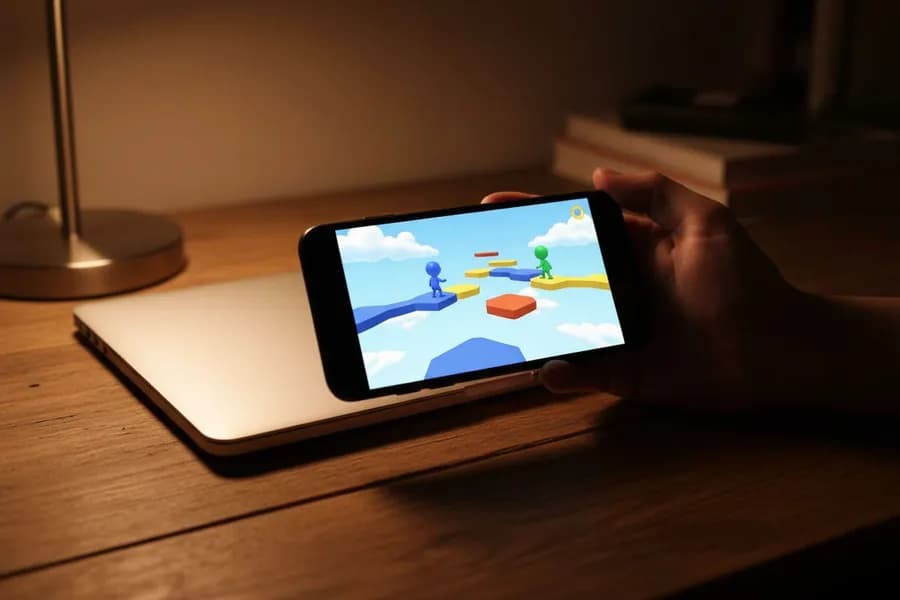
Short answer: a Roblox private server is a feature inside a Roblox experience: a server that only you and the people you invite can join, run by Roblox. You pay for it in Robux every month at a price the creator sets, unless the experience makes it free or you have Roblox Plus, which includes one free private server per game. A Roblox VPS is a computer in a datacenter that you rent to run the Roblox app, Roblox Studio or OBS, and it stays on while your own PC is off. They solve different problems. If you just want to play a game with your friends and no strangers, you need a private server, not a VPS.
A VPS for Roblox keeps Roblox running while your own PC is off, for example to stay AFK in a game that rewards idle time, as long as Roblox starts on it. Ours is the Roblox AFK VM, €19.99 a month: a virtual machine in the Netherlands without a graphics card. Roblox Player started on it in our own test on 27 October 2026 and runs at low FPS: enough for standing AFK, not for smooth play. Roblox Studio runs on it too. Roblox itself still disconnects players who are idle for at least 20 minutes.
What a private server is
Roblox explains it in its Private / VIP Servers FAQ: "If the experience creator has enabled private servers on their experience, you can use Robux to purchase a private server you can enjoy with friends you invite."
The details that matter:
- It belongs to one experience. You find it under Servers on that experience's page, and only if the creator turned the feature on.
- You pay in Robux, every month. "Private server prices are in Robux and set by the experience creator", with a first charge and then "a recurring monthly charge on the same date of each month to keep it active".
- Roblox Plus includes one per game. Since 24 September 2026, Roblox Plus, the subscription Roblox launched worldwide on 30 April 2026, includes one free private server in each supported game. Private servers you bought separately keep running and renewing as before.
- You choose who gets in. You can allow up to 50 individual users or your friends list, or share a link. For players under 13, Roblox limits private servers to friends by default.
- Roblox hosts it. There is nothing to install or run on your side.
"VIP server" is the older name for the same feature, which is why Roblox's article is called Private / VIP Servers.
What a Roblox VPS is
A Roblox VPS, or cloud PC, is a whole computer that runs somewhere else. You connect to it from your own phone, tablet or computer with a remote desktop app and use it like a PC: install Roblox, open Roblox Studio, run OBS. It keeps running when you close the remote app or switch off your own device, which is what makes it useful for Roblox. It has nothing to do with a specific experience, and you pay for it in euros, not Robux.
One thing to know before you rent one: Roblox Player checks whether it runs in a virtual machine, and a VPS usually is one. Roblox's help article Anti-cheat Messages says that "Roblox requires GPU passthrough to function properly within a VM", and on many VPSes without a graphics card Roblox Player stops with "Virtual machine detected". Some virtual machines without a graphics card do start it, at low FPS, but Roblox does not officially support that, so an update can change it. Roblox Studio has no such check and runs on a virtual machine without a graphics card too. We explain the details in Roblox Virtual Machine Detected: What It Means.
Which one you need
- You want to play an experience with friends, without strangers: a private server in that experience. No VPS needed.
- You want Roblox to stay open while your own PC is off: a VPS or cloud PC that Roblox starts on. Without a graphics card it runs at low FPS, which is enough to stand AFK in a game that rewards idle time, within that game's rules.
- You want to build in Roblox Studio but have no Windows PC or Mac: a VPS or cloud PC. Studio only runs on Windows and macOS.
- You want to play the PC version of Roblox smoothly from a phone, tablet or Chromebook: a cloud PC with its own graphics.
- You want to stream Roblox with OBS without loading your own PC: a cloud PC with a graphics card and OBS.
- You want to host your own Roblox game server: neither. Roblox runs the servers of every experience itself, and there is no way to host one yourself.
When you need both
The two can work together. If you play on a cloud PC, you join your private server exactly as you would on a PC at home: it is still bought in Robux inside the experience, or included with Roblox Plus, and the cloud PC is only the computer you play on.
What it costs
A private server costs whatever the experience creator sets, paid monthly from your Robux balance. Some experiences offer them for free, and Roblox Plus subscribers get one free private server per game.
A cloud PC is a monthly bill in euros. At Space-Node our Roblox VPS plans are the Roblox AFK VM at €19.99 a month for standing AFK at low FPS and for Roblox Studio, the Roblox Cloud PC at €49.99 for playing Roblox smoothly, and Creator + Stream at €79.99 for playing and streaming with OBS. These are the prices as of 31 October 2026, including VAT, and the plans page shows live stock.
FAQ
Can I host a Roblox server on a VPS?
No. Roblox hosts the servers of every experience itself. A VPS can run the Roblox app, Roblox Studio or OBS, but not a Roblox game server.
Do private servers cost Robux?
Yes, unless the experience makes them free or you have Roblox Plus, which since 24 September 2026 includes one free private server per game. The experience creator sets the price in Robux, and Roblox takes it from your Robux balance again every month to keep the server active.
Is a VIP server the same as a private server?
Yes. VIP server is the older name. Roblox's help article covers both under one title.
Can a Roblox VPS keep me AFK while my PC is off?
It keeps Roblox open, not you in the game. The VPS stays on when you switch off your own PC, but Roblox's Player.Idled documentation says that "Roblox automatically disconnects players that have been idle for at least 20 minutes", and that rule is the same at home and on a VPS. Whether you stay in a game depends on that rule and on the game itself. Plan one Roblox account per machine: Roblox staff wrote in April 2026 that "we don't plan to support multiple clients running on the same computer". How to AFK in Roblox with your PC off compares the ways to keep Roblox open, and why Roblox disconnects while your cloud PC stays on covers the other reasons a session ends.
Can I use my private server from a cloud PC?
Yes. A cloud PC runs the normal Roblox app, so you open the experience, go to Servers and join your private server the same way you would at home.
Do I need a VPS to play Roblox with friends?
No. Any device that runs Roblox can join friends, and a private server keeps strangers out. A VPS only helps when the computer itself is the problem.
Sources
All opened on 1 November 2026:
- Roblox Support: Private / VIP Servers FAQ and Roblox Plus (edited 9 October 2026)
- Roblox Support: Anti-cheat Messages
- Roblox Creator Hub: Private servers, Player.Idled and Studio setup
- Roblox DevForum: a Roblox staff reply on running several clients on one computer (6 April 2026)
- Vinegar: FAQ on Roblox and Linux