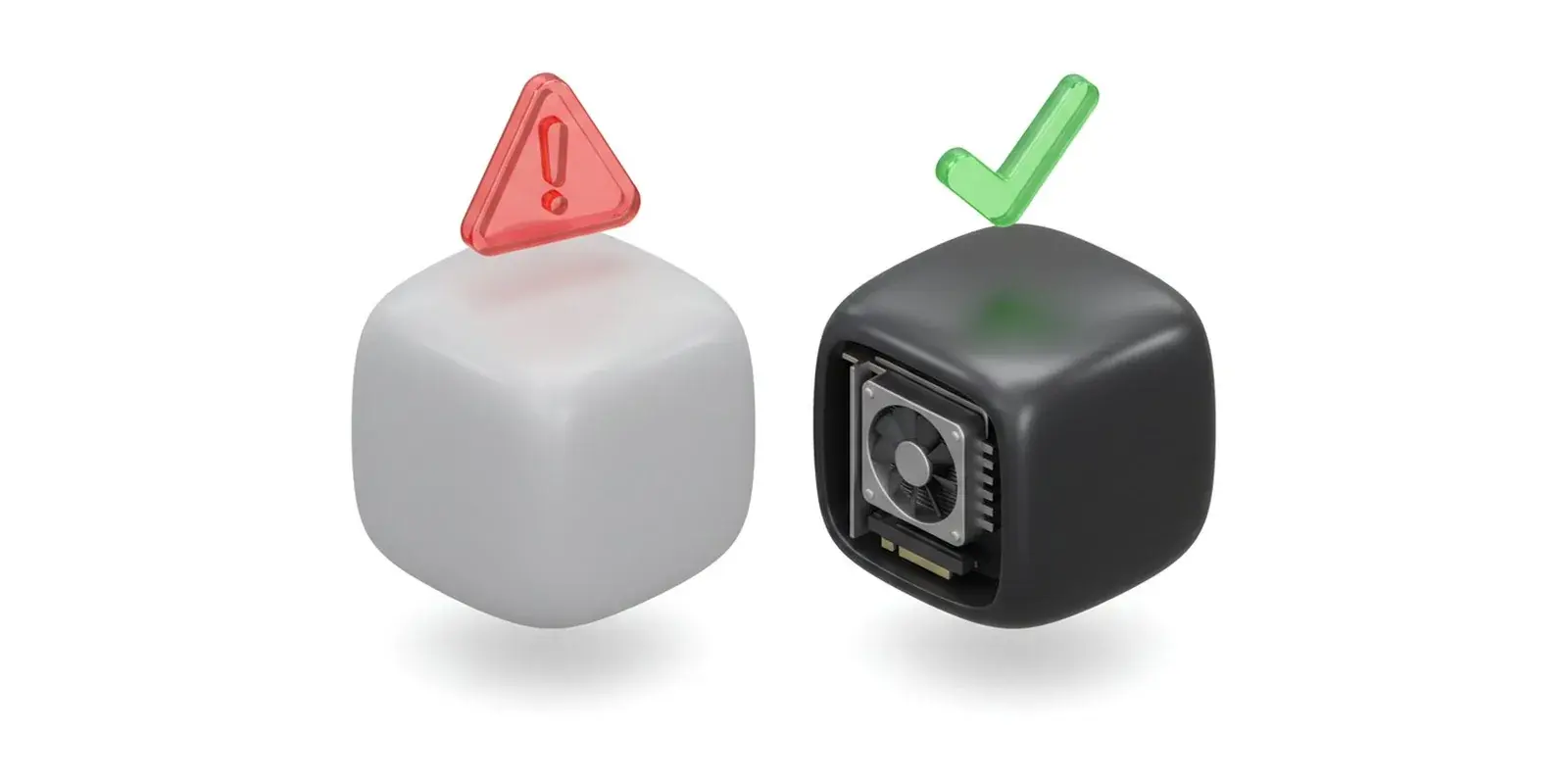
Short answer: "Virtual machine detected" comes from Roblox's anti-cheat. Roblox Player checks whether it is running inside a virtual machine, and if that machine has no real graphics card of its own, it shows the message and closes. Roblox's own help center says: "Roblox requires GPU passthrough to function properly within a VM." So the options that work are a real computer, a virtual machine with a graphics card passed through to it, or a cloud PC with its own graphics. Tools that try to hide the virtual machine are not one of them.
What the message means
Roblox Player for Windows contains an anti-cheat system called Hyperion. Among other things, it checks whether the app runs in a virtual machine (VM): a computer simulated by software, which is what almost every VPS and cloud server is.
Roblox lists the message in its help article Anti-cheat Messages. The user message reads "Roblox cannot run inside of a virtual machine", and the troubleshooting text explains: "If you see a message stating "Virtual machine detected," it means your virtual machine (VM) is not supported by Roblox."
Why most VPSes trigger it
A typical VPS shares a physical server with other customers. You get virtual processor cores and memory, and a simple emulated display adapter instead of a graphics card. That is fine for websites, bots and game servers, but Roblox Player sees a virtual machine without graphics hardware and refuses to start.
This is also why "a cheap Windows VPS for Roblox" usually ends with exactly this message, whatever the RAM or CPU of the plan.
What Roblox says to do
The same help article gives the official route: "Roblox requires GPU passthrough to function properly within a VM. GPU passthrough grants the VM direct access to the physical GPU, bypassing the hypervisor layer." The steps it lists:
- Confirm that your hardware supports GPU passthrough.
- Update your BIOS/UEFI settings to enable virtualization extensions.
- Configure GPU passthrough within your VM software.
In plain words: the virtual machine needs a real graphics card that belongs to it alone. On your own server that means hardware with IOMMU support and a hypervisor such as Proxmox, VMware ESXi or Hyper-V that can hand a whole graphics card to one VM.
Is GPU passthrough always enough?
Not on every setup. On the Proxmox forum, the person who started the thread wrote in April 2025 that they "passed through a GPU which should make it work but hasn't", and later replies describe setups that needed more configuration before Roblox started. On the Roblox DevForum another user wrote in August 2025 that "sometimes Hyperion will trip and you have to reconfigure the virtual machine". Roblox does not publish a list of supported hypervisors, so test your own setup before you depend on it.
What not to do
Search results for this error are full of "VM bypass" tools and spoofers that try to hide the virtual machine from Roblox. Those tools work against the system Roblox uses to protect accounts, and they can put your account at risk. We do not recommend them, and they are not allowed on our machines.
Options that work
A real computer. Roblox Player runs on 64-bit Windows 10 or 11 with a graphics card that supports DirectX 10 or higher (Roblox system requirements). Any normal PC or laptop qualifies.
Your own server with GPU passthrough. The official route above. With plain passthrough a graphics card belongs to one VM at a time, so plan one card per VM that needs Roblox.
A cloud PC with its own graphics. If you want Roblox running on a machine in a datacenter, for example to play from a phone or Chromebook or to stream, it has to be real hardware with graphics, not a shared VPS. At Space-Node that is our Roblox VPS line in the Netherlands:
- Roblox Cloud PC (€49.99 a month): a dedicated mini PC with integrated graphics and 16 to 32 GB RAM. It is not a virtual machine, so Roblox Player starts like on a PC at home.
- Creator + Stream (€79.99 a month): a dedicated machine with an NVIDIA card in the GTX 1650 class and OBS installed, for playing and streaming at the same time.
Roblox Studio is different
Roblox Studio does not have this check. The makers of the Vinegar launcher wrote in their FAQ that a Roblox engineer "confirmed that Roblox Studio will not be receiving Hyperion currently, as it's only used for game development" (Vinegar FAQ). Studio therefore also runs on a virtual machine without a graphics card, drawing on the processor instead. That is what our Studio Starter plan (€19.99 a month) is for: Roblox Studio, not Roblox Player.
FAQ
Can I play Roblox on a VPS?
Only on one with a real graphics card passed through to it. On a normal VPS without graphics hardware, Roblox Player stops with "Virtual machine detected".
Is "Virtual machine detected" a ban?
Roblox's help article lists it as a crash message, not a ban: Roblox Player refuses to run on that machine, and the troubleshooting text only says the virtual machine is not supported.
Does Roblox work in VirtualBox or VMware Workstation?
Not in a standard setup. Desktop virtualization apps give the VM a virtual display adapter, not your real graphics card, so Roblox Player shows the message. Roblox Studio is not affected.
Is it allowed to run Roblox in a virtual machine?
Roblox's help center explains how to run Roblox in a VM with GPU passthrough, so that route is the supported one. Hiding a VM from the anti-cheat is something else, and not something we recommend.
Sources
- Roblox Support: Anti-cheat Messages and system requirements
- Proxmox forum: Roblox VM detection thread
- Vinegar: FAQ on Roblox and Linux