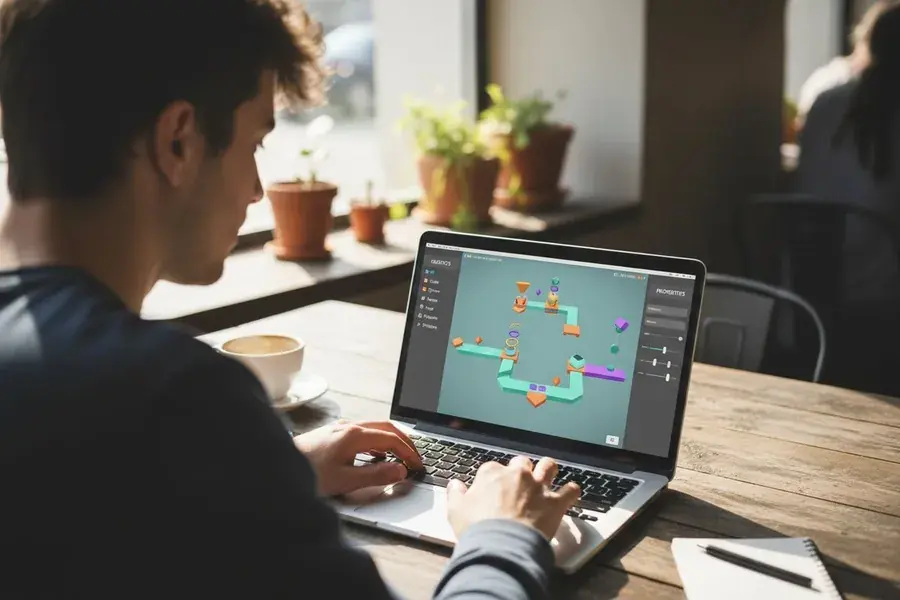
Build in Roblox Studio
Studio needs Windows or macOS and recommends 8 GB of memory. On Studio Starter it runs on a full Windows desktop, also when you work from a Chromebook.
Best plan: Studio Starter
Windows 11 machines for Roblox Studio, Roblox Player and OBS, hosted in the Netherlands. Our cloud PCs have their own graphics, so Roblox starts where most VPSes fail.

8 GB RAM
€19.99 / month
Order now: Studio Starter, €19.99 a month
16 to 32 GB RAM
€49.99 / month
Order now: Roblox Cloud PC, €49.99 a month
16 to 32 GB RAM
€79.99 / month
Order now: Creator + Stream, €79.99 a monthLimited pilot spots per plan. We set up every machine by hand, and your login details appear in the client area. The exact graphics card model can differ per machine.
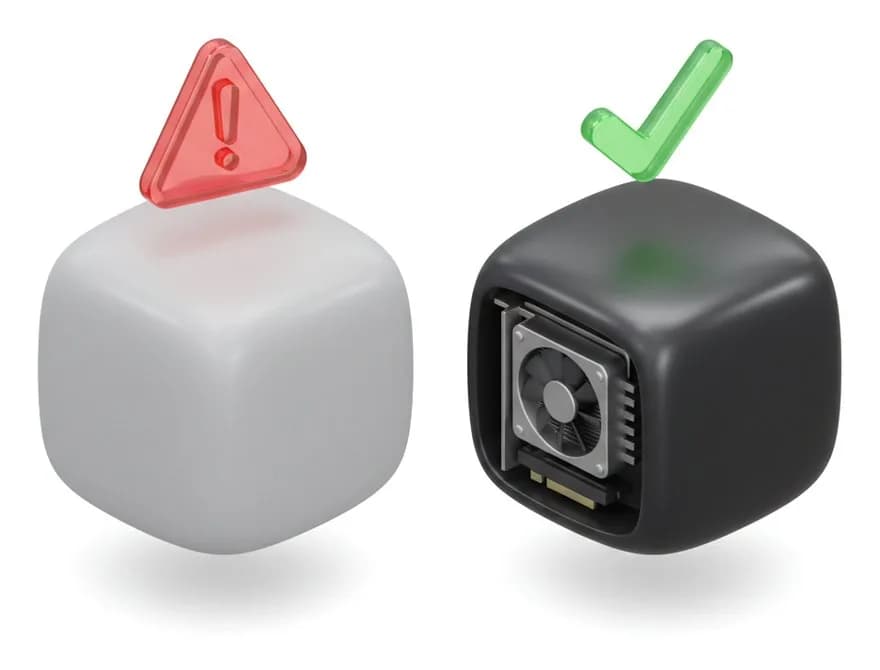
Roblox's anti-cheat checks whether Roblox Player runs inside a virtual machine. Without a graphics chip of its own, it stops with "Virtual machine detected".
“Roblox requires GPU passthrough to function properly within a VM.”
Our Roblox Cloud PC and Creator + Stream plans are physical machines with their own graphics, so Roblox Player runs on them like on a PC at home.
Roblox Studio is different. It has no anti-cheat, so it also runs on a virtual machine without a GPU. That is what Studio Starter is for. (source: Vinegar FAQ, quoting Roblox staff)
Studio needs Windows or macOS and recommends 8 GB of memory. On Studio Starter it runs on a full Windows desktop, also when you work from a Chromebook.
Best plan: Studio Starter
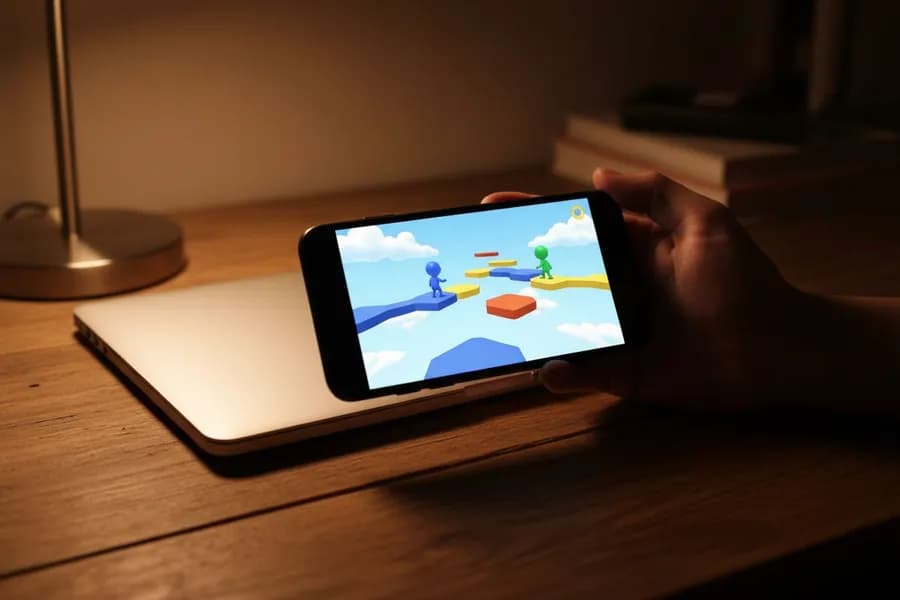
The Roblox Cloud PC runs the Windows version of Roblox. Your phone, tablet or Chromebook only shows the screen, and the PC stays on when you close it.
Best plan: Roblox Cloud PC
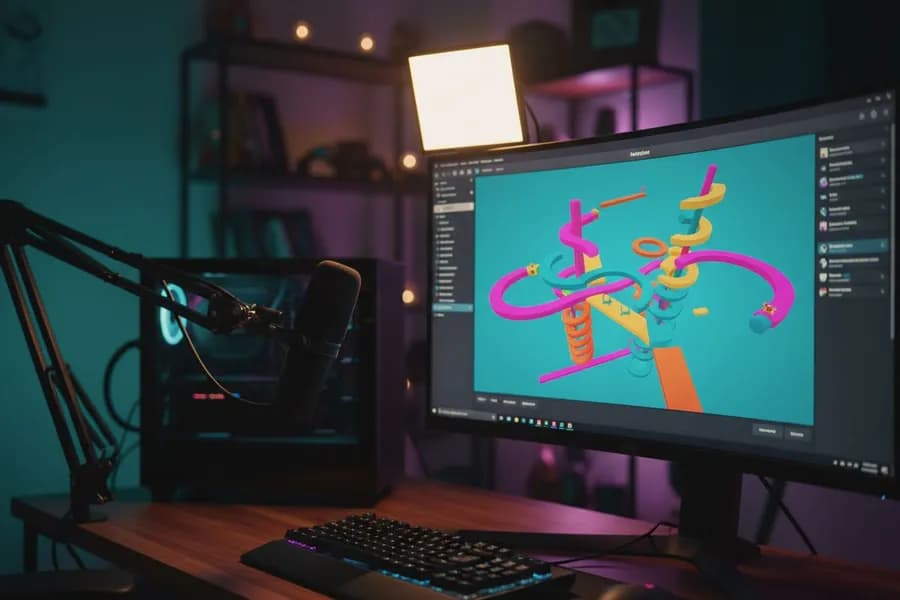
Roblox and OBS on one machine with an NVIDIA card, streaming to Twitch, YouTube or Kick straight from the datacenter.
Best plan: Creator + Stream
Pick a plan and pay the first month. The checkout shows the total with VAT before you pay.
Every machine is set up by hand. Your RustDesk and AnyDesk login details appear in the client area.
Connect with RustDesk or AnyDesk from Windows, macOS, Android, iOS or a Chromebook, then sign in to Roblox with your own account.
Reviews of our VPS, streaming and game servers on Trustpilot. The Roblox cloud PC is new, so it has no reviews of its own yet.
“Really solid service, great support and the VPS always runs. I have used dozens of other VPS providers and never had to deal with such little inconveniences. Better performance and so cheap.”“Streaming is excellent especially with 60 FPS. I would recommend this service if you want to get the best out of streaming 24/7. Great job!”“Excellent price-performance ratio. Finding the right plan for my MC Diamond Server was easy, and as our project grew, upgrading was seamless.”Not sure which plan fits? Ask us in live chat and we help you choose.
Pick the plan that fits what you want to do. Pilot spots are limited, and we set up every machine by hand.
Roblox is a trademark of Roblox Corporation. Space-Node is not affiliated with or endorsed by Roblox.
Deze pagina in het Nederlands