The best Upstream alternative depends on what you are trying to build.
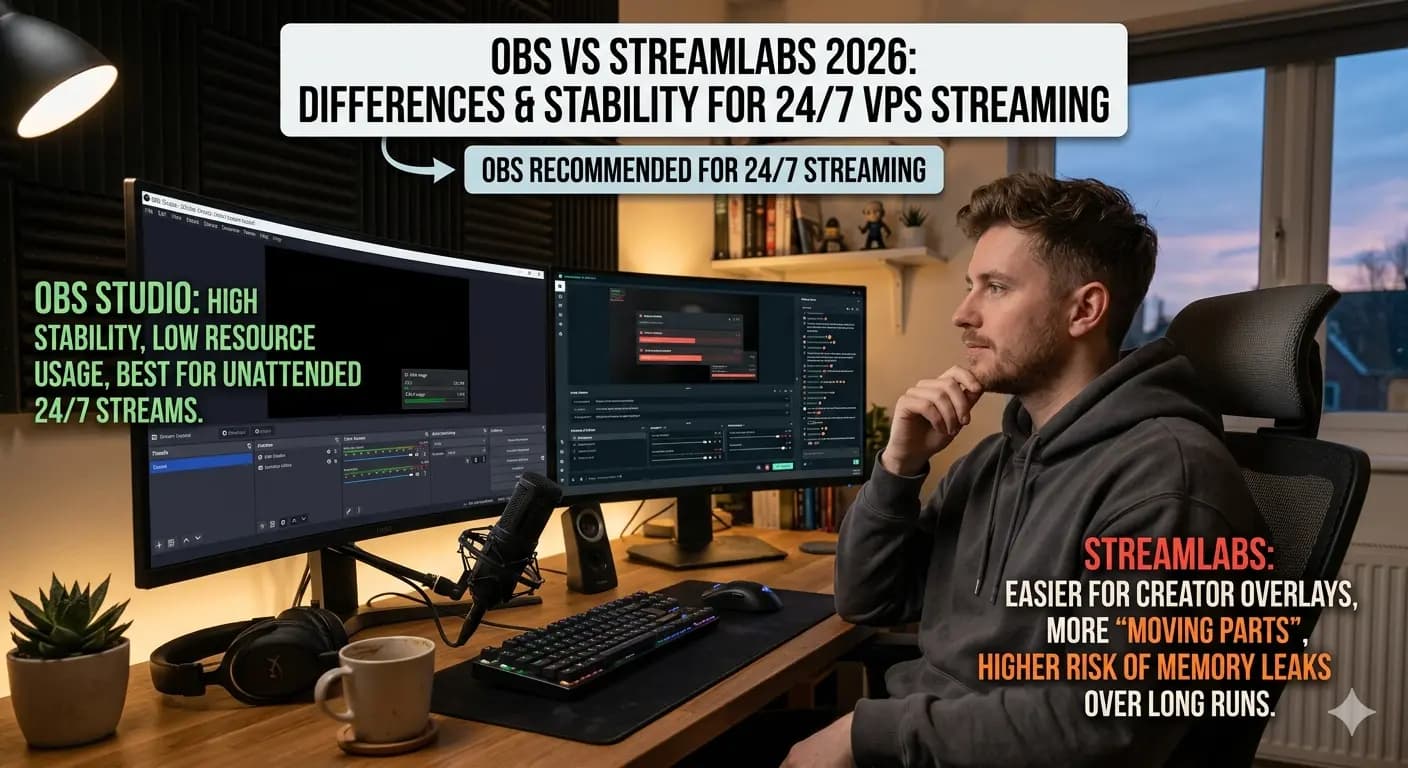
If you want a clean upload-and-loop product, Upstream is hard to beat. If you want a real broadcast environment that can grow from simple loops into live scenes, multi-platform shows, browser overlays and custom automation, the better alternative is a cloud OBS streaming server.
That is what Space-Node Streaming is built for.
The Problem with Many 24/7 Streaming Tools
Most 24/7 streaming tools solve the first version of the problem: upload a video, loop it, and keep the stream live.
That works for:
- Lofi loops
- Meditation channels
- Simple radio-style streams
- Sermon replays
- Kids channel reruns
- Podcast reruns
But many channels quickly need more:
- A live host window
- A YouTube chat overlay
- Sponsor banners
- StreamElements alerts
- A starting soon scene
- A safe fallback scene
- Custom bitrate or keyframe settings
- A way to troubleshoot dropped frames
- Streaming to YouTube, Twitch and Kick at once
At that point, OBS is usually the better control room.
Why OBS on a Server Beats a Browser Looper for Advanced Channels
OBS is not just an encoder. It is the whole production desk.
With OBS on a Space-Node server, you can create a scene collection like this:
| Scene | Purpose |
|---|---|
| Main Loop | 24/7 video or audio playlist |
| Starting Soon | Safe waiting scene before live shows |
| Live Host | Webcam, browser capture or RTMP input |
| Sponsor Break | Timed sponsor banner or video insert |
| Fallback | Safe branded loop if a file breaks |
| Maintenance | Temporary message during stream key changes |
A browser video looper can be easier. OBS is more flexible.
Why Space-Node Is a Strong Upstream Alternative
Space-Node gives you:
- OBS Studio pre-installed
- Windows 11 Pro streaming server
- Browser access and RDP access
- 1 Gbps Netherlands uplink
- Dedicated GPU on Platinum and higher
- NVENC encoding options
- Support for YouTube, Twitch, Kick and custom RTMP
- 2-60 minute delivery on stock plans
- 3-day money-back window
The practical difference is simple: Upstream hides the server. Space-Node gives you the server.
When You Should Not Use Space-Node
Use Upstream or another SaaS tool if:
- You never want to open OBS
- You only upload finished MP4 files
- You want staff to use a locked-down web dashboard
- You need their specific Stream Designer workflow
- You value no-code simplicity over control
Space-Node is not pretending to be the easiest SaaS tool. It is the stronger option for creators who want ownership and control.
Recommended Plan
For an Upstream-style 24/7 YouTube stream:
- Gold: 720p30, light loops, radio, simple visuals
- Platinum: 1080p30, most common Upstream replacement
- Diamond: 1080p60, 1440p, heavy overlays, multi-platform workflows
- Sapphire: two 1080p60 streams or more demanding setups
Start with Platinum on the streaming page if you are unsure.
Related Comparisons
- Upstream.so Alternative
- Upstream vs Space-Node
- Gyre.pro Alternative
- Live247.io Alternative
- playout.video Alternative
FAQ
What is the best Upstream alternative for OBS users?
A cloud OBS server is the best fit if you already know OBS or want full scene control.
Can OBS run 24/7 on a VPS?
Yes, if the VPS is built for graphical workloads and has enough RAM, CPU and GPU headroom. Space-Node streaming plans are configured specifically for this.
Is this allowed on YouTube?
YouTube supports live streaming. You still need to follow YouTube's copyright, reused-content and monetization policies.
Can I migrate without downtime?
Yes. Build and test the OBS version privately, then switch the stream key when ready.