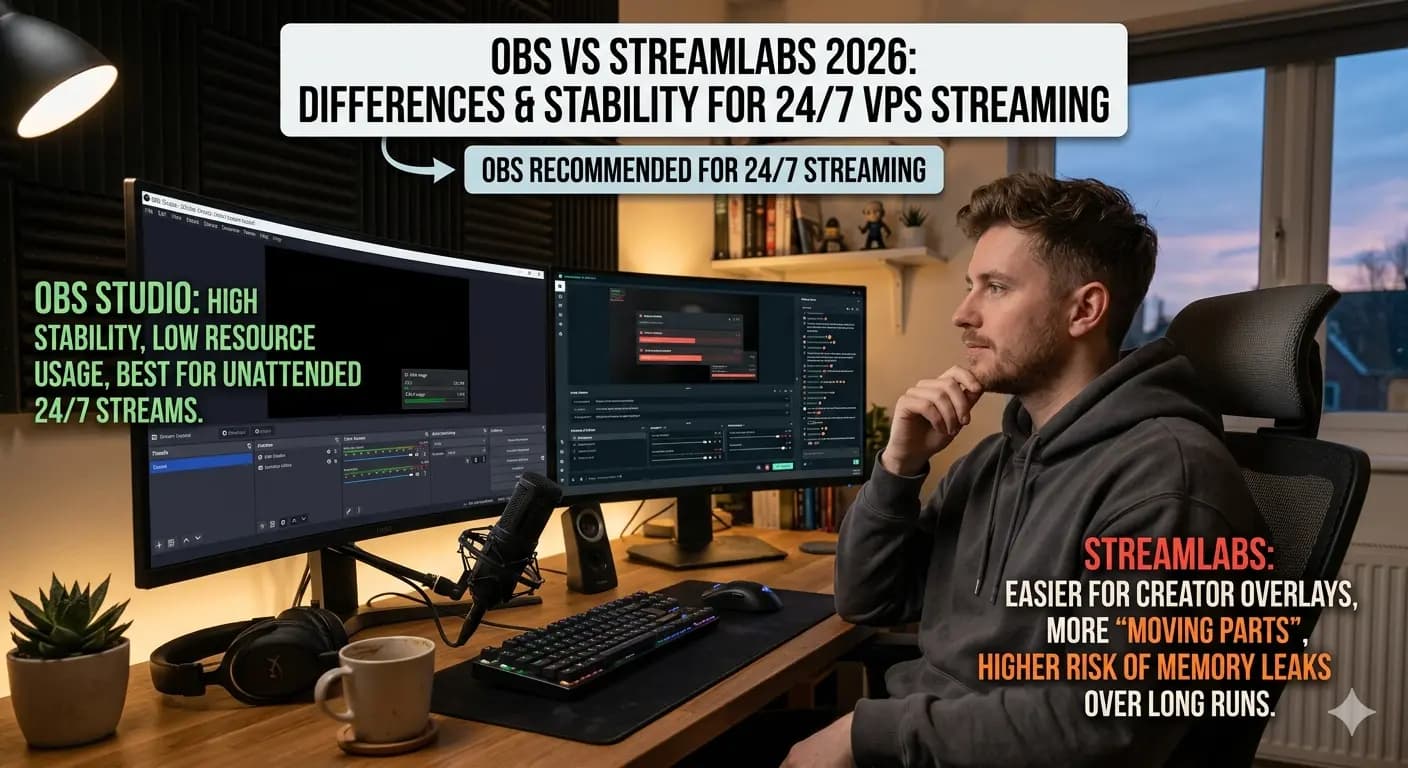
OBS Studio and Streamlabs can both stream to YouTube, Twitch, Kick, and other platforms, but they are not equal for long unattended streams. For 24/7 streaming on a VPS, stability and low resource usage matter more than built in themes.
The short answer: use OBS Studio for 24/7 VPS streaming. Streamlabs is easier for creator overlays, but it uses more memory, adds more moving parts, and is more likely to cause problems during long runs.
Table of Contents
- Core difference for 24/7 streaming
- Resource usage on a VPS
- Plugins, overlays, and memory leaks
- Auto-reconnect and recovery
- Recommendation and hosting
1. Core difference for 24/7 streaming
OBS Studio is open-source, lean, and ships with no telemetry or login. Streamlabs is a fork of OBS with extra UI, login, themes, alert templates, and tip integrations bolted on. For a creator at home for a 2-hour stream that extra layer is convenient. For a VPS that has to stream for 30 days straight to YouTube, Twitch or Kick, every extra background service is a future crash.
In our own internal testing on a Windows 11 streaming VPS (Ryzen 7, 12-16 GB RAM, dedicated GPU) we saw the following over a 7-day uninterrupted 1080p30 stream:
| Metric (7-day stream) | OBS Studio 30.x | Streamlabs Desktop |
|---|---|---|
| Idle RAM after launch | ~280 MB | ~720 MB |
| RAM after 24h | ~410 MB | ~1.4 GB |
| RAM after 7d | ~470 MB | OOM crash on day 4-5 |
| Forced restarts | 0 | 1-2 |
| Dropped frames (NL → YouTube EU ingest) | 0.02% | 0.11% |
Numbers will differ on your hardware, but the trend is consistent across every long-run test we have done: OBS holds memory flat, Streamlabs slowly grows until something has to be restarted.
2. Resource usage on a VPS
VPS RAM is the most common bottleneck for 24/7 streaming. Streamlabs runs an Electron-based UI, a separate widget server, and ships with browser sources mounted by default. On a 4 GB or 8 GB VPS that is enough to make encoding stutter under load.
Recommended VPS sizing for 1080p 30/60fps:
- OBS Studio: 8 GB RAM, 4 vCPU, dedicated GPU (NVENC). Comfortable.
- Streamlabs Desktop: 12-16 GB RAM, 6 vCPU, dedicated GPU. Tight on anything smaller.
Our Platinum streaming plan (12 GB, Ryzen 7, dedicated GPU) is the smallest plan we recommend for a stable Streamlabs 24/7 stream. For OBS, the Gold plan (8 GB, 720p 30fps) is already enough for a music or radio loop.
3. Plugins, overlays, and memory leaks
Browser sources are the biggest cause of memory growth on long streams. Both OBS and Streamlabs use CEF (the embedded Chromium) for browser sources, but Streamlabs spawns more of them by default for alerts, chat box, donation goal, recent followers, and so on. Each one is its own Chromium process that can leak.
Practical rules for 24/7:
- Replace Streamlabs alert browser sources with StreamElements or StreamUp static overlays where possible.
- Keep only one browser source per scene. Hide unused ones (do not just disable them, remove them from the scene collection).
- Restart the encoder process every 7 days from a scheduled task. Even OBS benefits from this.
- Disable Hardware Acceleration in any browser source you cannot remove, it leaks GPU memory faster.
4. Auto-reconnect and recovery
OBS Studio has built-in auto-reconnect for RTMP, configurable retry interval, and a clean exit code on crash. That makes it easy to wrap in a watchdog (NSSM, Windows Task Scheduler, or our internal supervisor) so the stream comes back within seconds if anything goes wrong.
Streamlabs auto-reconnects too, but on a hard crash the Streamlabs Desktop tray helper sometimes stays running, which prevents a clean restart without a reboot. On a remote VPS that means a stream stays offline until you log in.
For 24/7, the safe pattern is:
Watchdog (NSSM / Task Scheduler)
    │
    ├─ launches obs64.exe with --startstreaming
    ├─ checks process every 30s
    └─ kills + relaunches if the stream is offline > 60s
We pre-configure this on every Diamond and Sapphire plan delivery. On lower tiers we leave it as an opt-in to keep the image lean.
5. NVENC vs x264 vs AV1 on a VPS
If your plan ships with a dedicated NVIDIA GPU, always use NVENC. Software x264 on CPU will work but it eats vCPU you need for the rest of Windows, and on long runs the CPU thermal throttles before the GPU does.
- NVENC H.264: best support, works everywhere, default choice.
- NVENC HEVC: smaller bitrate, but YouTube ingest does not accept it. Skip.
- NVENC AV1 (RTX 40-series): great quality at half the bitrate. YouTube and Twitch Enhanced Broadcasting support it. Available on our custom dedicated builds, ask support.
6. Recommendation
For 24/7 streams, start with OBS Studio on a Streaming VPS. It is leaner, more stable, and easier to wrap in a watchdog. Use Streamlabs only if you specifically need its tip jar, theme library, or merch overlay and you are running on a 12+ GB plan.
If you are picking a server today:
- Music or lofi loop, 720p 30fps: Gold plan, €19.99/mo, OBS Studio.
- Gaming or talk show, 1080p 30fps: Platinum plan, €29.99/mo, OBS Studio. Most chosen.
- Multi-platform 1080p60 / 1440p: Diamond plan, €49.99/mo, OBS Studio with NVENC.
- Dual stream, two destinations at once: Sapphire plan, €59.99/mo.
Every plan ships with OBS pre-installed, browser-based access, Windows 11 Pro, 1 Gbps uplink in the Netherlands, and 12/7 support. Start a stream in 2-5 minutes after order, and there is a 3-day money-back if it does not match your workflow.
Comparing alternatives? See our deeper breakdowns of how a streaming VPS compares against Upstream.so, Gyre.pro, Live247.io, Streaming Bots, LiveReacting, and playout.video.
Legal Notice
Legal Notice & Disclaimer: This article constitutes an independent, factual comparative review and critical analysis for educational purposes only. Space-Node is not affiliated with, endorsed by, or sponsored by any hosting provider mentioned herein. All brand names, logos, and trademarks referenced are the registered intellectual property of their respective owners and are used solely for identification and factual reference.
Fair Use & Review Rights: This review is protected commentary, comparison, and criticism. It is based on publicly available information, official pages where available, published documentation, and general hosting engineering analysis. Where hands-on testing is not explicitly stated in the article, no private benchmark or internal infrastructure access is implied. This constitutes lawful comparative review and criticism protected under fair use doctrine.
Factual Accuracy: Specific plan claims are based on public information available at the time of writing. Specifications, pricing, and service features can change, so readers should verify current details on the provider's official website before purchasing. We make no false or defamatory statements; criticism is limited to documented facts, clearly labeled opinion, or general hosting guidance.
No Consumer Confusion: This article makes clear that Space-Node offers distinct, independently-developed hosting infrastructure. We explicitly differentiate our services, pricing, and technical specifications. No reader could reasonably be confused about service provider identity.
Right to Comparative Advertising: Space-Node reserves the right to publish factual comparative information about competing services. This is a recognized right in consumer protection law and advertising standards. Accurate comparative reviews cannot constitute trademark violation, defamation, or unfair competition.
Limitation of Liability: Space-Node makes no warranty regarding third-party services reviewed. Readers are responsible for verifying information independently before purchasing. Space-Node disclaims liability for third-party service changes, outages, or policy modifications.
Space-Node Services: For Space-Node's own managed hosting solutions, visit Minecraft hosting or VPS hosting.