Reaction layout
Webcam in one corner, browser source in the center, chat on the side, and a backup “starting soon” scene.

LiveReacting is friendly for browser-based shows. Space-Node is for creators who want the same simple remote access, but with full OBS control, plugins, capture sources and 24/7 uptime.
Short verdict
For one-off interactive templates, LiveReacting is convenient. For a serious reaction or watch-party setup, OBS gives you more control: separate audio tracks, webcam framing, browser sources, overlays, hotkeys and scene backups. Space-Node keeps that OBS setup online in the cloud.
For one-off interactive templates, LiveReacting is convenient. For a serious reaction or watch-party setup, OBS gives you more control: separate audio tracks, webcam framing, browser sources, overlays, hotkeys and scene backups. Space-Node keeps that OBS setup online in the cloud.
Plain comparison, no hosting jargon.
Webcam in one corner, browser source in the center, chat on the side, and a backup “starting soon” scene.
Use browser-based quiz tools as OBS sources, then route voice, music and alerts separately.
Loop safe content all day, then switch to a live reaction scene when the host joins.
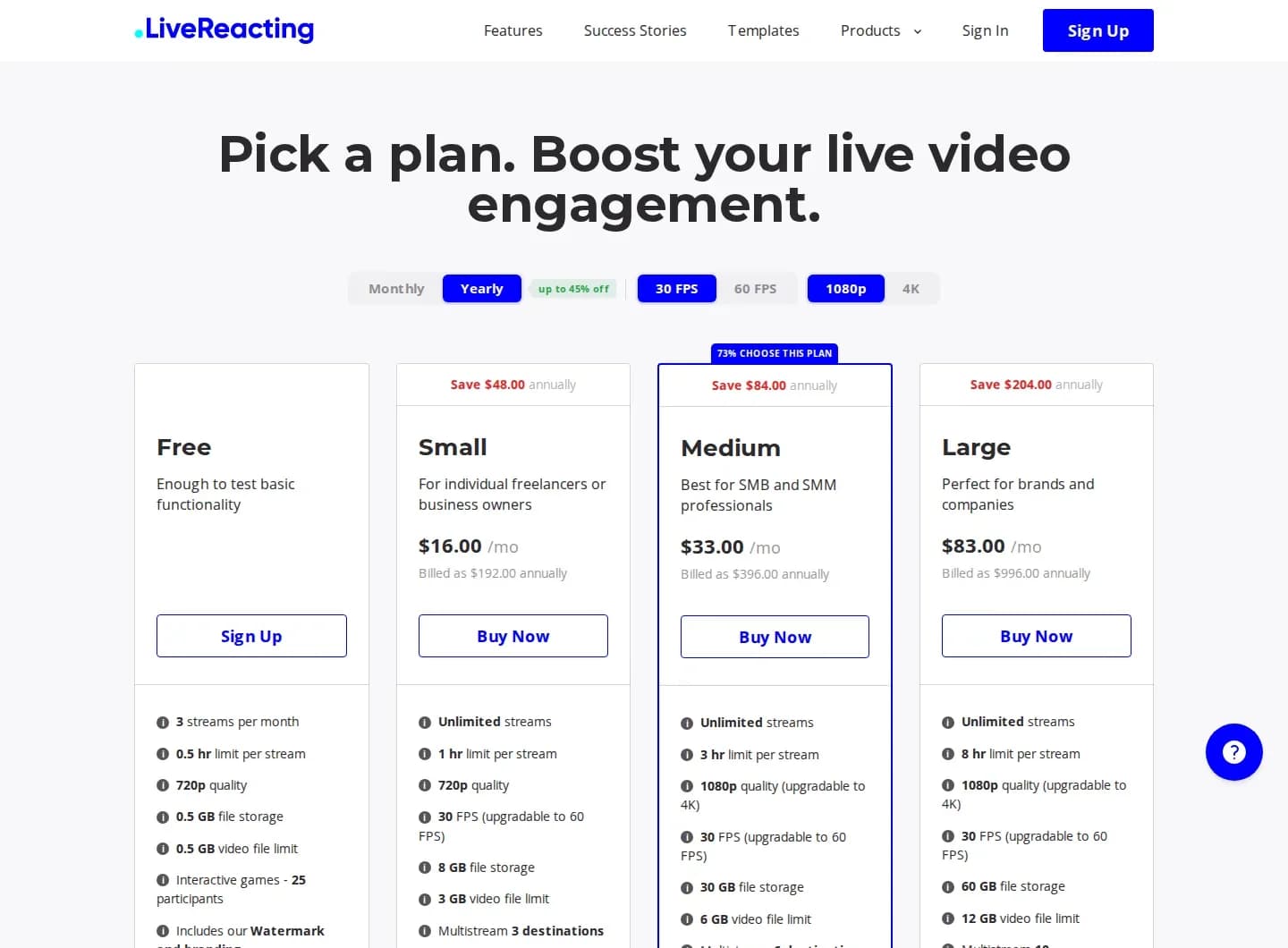
LiveReacting is like an online studio with ready templates. Space-Node is like a remote computer running OBS, where you can build any studio layout you want and leave it online.
If you only need their built-in quiz, poll or reaction templates and want zero setup, LiveReacting is faster. Space-Node wins when your show needs custom layout, audio routing, plugins or 24/7 fallback content.
Skip the extra click. These are the three plans most people use when moving from a loop-style streaming tool to a real OBS server.
€19.99/mo
720p30 OBS loop, music channel, radio, slideshow or lightweight browser-source stream.
€29.99/mo
Most chosen: 1080p30 or 720p60 with dedicated GPU, overlays and OBS setup help.

€49.99/mo
1080p60, 1440p, multistream RTMP and heavier browser-source scenes with NVENC headroom.
Trustpilot · 28 reviews
99.9%
Uptime, last 12 months
2-5 min
Server delivery time
12/7
Live chat & tickets
Hosted on high-speed European backbone network with direct low-latency peering to YouTube, Twitch, and Kick ingest servers. Turn off your PC while your stream stays online indefinitely.

Stream non-stop 1080p60 music, podcasts, or community live streams with zero local CPU load.

Direct European ingest to Twitch servers with crystal clear bitrate and zero dropped frames.

Custom Kick stream keys with instant reconnect capability and dedicated hardware encoding.

Relay your broadcast across multiple platforms simultaneously using OBS Studio multi-RTMP plugins.
Control Windows 11 and OBS Studio directly in Chrome or Safari on your phone, laptop, or Mac. No RDP clients needed.
Rock-solid unmetered upload speed directly peered at AMS-IX. Never drop frames due to home WiFi or ISP bandwidth limits.
Pre-installed with VLC video loopers and automated crash recovery so your channel never goes dark unexpectedly.
These pages are written for creators comparing cloud streamers, video loopers and OBS hosting before picking a 24/7 YouTube, Twitch or Kick setup.
OBS server vs Stream Designer, pricing, multistreaming and 24/7 YouTube workflows.
Read comparisonRemote server vs remote server: disclosed hardware, included DDoS protection and real OBS setup help.
Read comparisonFor pre-recorded loop channels that need overlays, live scenes and lower pricing.
Read comparisonScheduled playlists, 24/7 YouTube streams and OBS automation explained simply.
Read comparisonA less black-box way to run bot-like 24/7 streams with full OBS visibility.
Read comparisonCloud OBS for reactions, watch parties, browser sources, quizzes and fallback scenes.
Read comparisonCloud playout vs your own OBS streaming server with fallback scenes and NVENC.
Read comparisonYes. Add the quiz or poll URL as a Browser Source in OBS, then crop and style it like any other source.
Yes, but the webcam feed must come from a browser source, remote capture tool, or external ingest. We can advise based on your setup.
The hosting platform does not change copyright rules. Use content you own, have permission for, or can legally comment on under your local rules.
Platinum is the minimum we recommend for smooth 1080p30 with webcam, browser source and chat. Diamond is safer for 1080p60.
Yes. Keep a loop or waiting scene running 24/7, then switch to your live reaction scene when the host arrives.
More control than LiveReacting, still simple for non-tech users. Delivered in 2-60 minutes, with a 3-day money-back window.
View streaming plans