
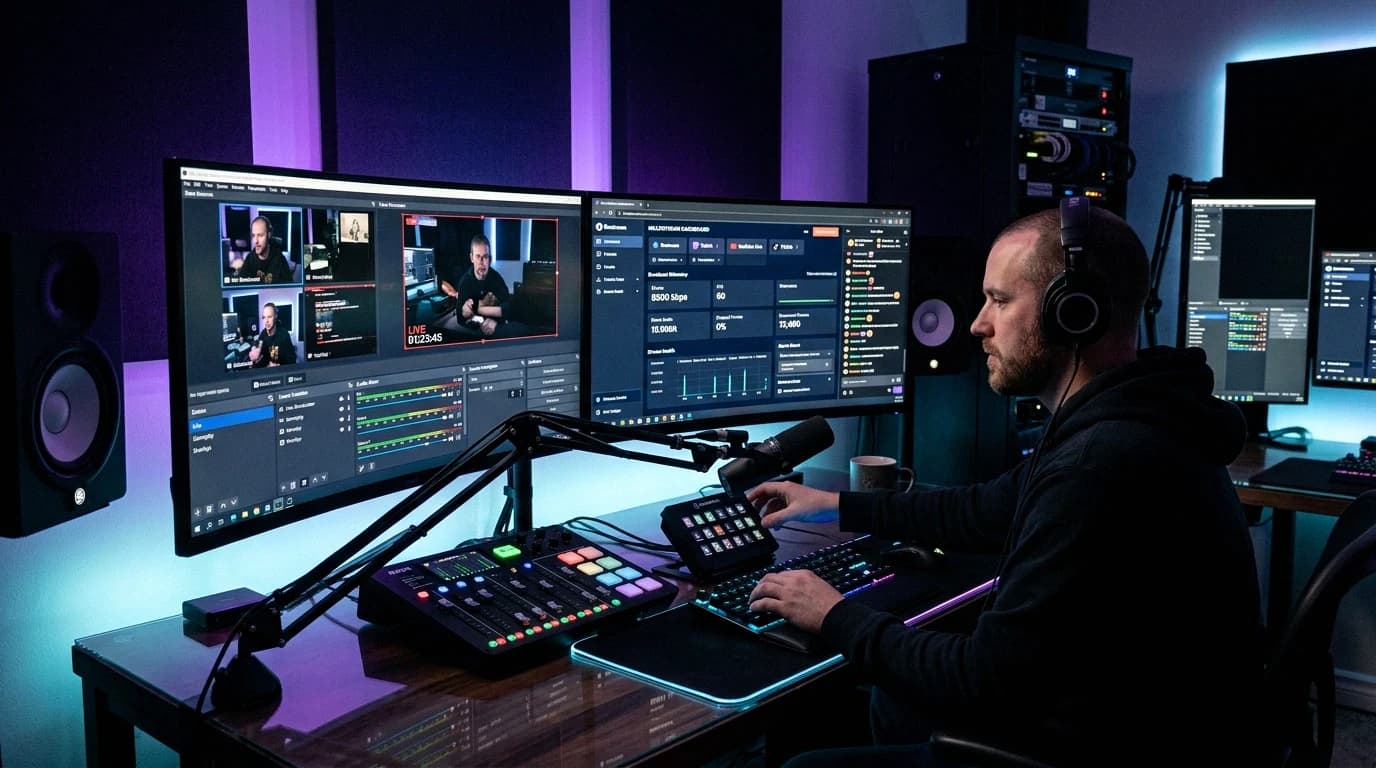
Most people who find your stream on a phone hold it upright, and a 16:9 picture shows up there with black bars or a cropped middle. Vertical live streaming sends a 9:16 picture instead of, or next to, your normal one. This guide checks each platform's own help pages as they read on 8 November 2026, what the Aitum Vertical plugin adds, whether OBS can do it alone yet, and what a second format costs your CPU.
Quick answer: Install the free Aitum Vertical plugin (1.6.7, released 27 October 2026, listed for OBS Studio 32 and newer), set its canvas to 1080x1920 or 720x1280, build vertical scenes and add each platform as an output with its server URL and stream key. TikTok and Instagram take vertical through a stream key, YouTube through a second stream key next to your horizontal stream, and Twitch through Dual Format: Enhanced Broadcasting with Aitum Vertical as the Additional Canvas in OBS 32.0.0 or newer. OBS 33.0.1 still has no vertical canvas of its own. Each extra format is a second encode, and 1080x1920 has as many pixels as 1920x1080, so with x264 on the CPU, horizontal plus vertical is roughly twice the encoding work.
Which platforms take vertical live video
| Platform | Vertical from OBS | How | Limits on the platform's own pages |
|---|---|---|---|
| TikTok | Yes | Stream key from Go LIVE on the desktop site | 18 or older, 1,000 followers ("may vary across regions") |
| YouTube | Yes | A second stream key for the vertical stream | Vertical can't be added after the stream has started |
| Yes | Live Producer on instagram.com, Custom RTMP | Public account with 1,000 followers or more | |
| Twitch | Yes, as Dual Format | Enhanced Broadcasting plus an extra vertical canvas | OBS 32.0.0 or newer, 12.5 Mbps upload at 1080p |
| Kick | Not documented | Horizontal stream key | Up to 1920x1080, 60 fps, 8,000 kbps; H.264 only |
TikTok
TikTok's Help Center says you must "Be at least 18 years old to go LIVE" and "Have 1,000 followers to go LIVE (may vary across regions)." On the desktop site you click Go LIVE, enter a title, start, and copy the stream key and RTMP URL into OBS. TikTok says keys expire after a period of inactivity, so generate them no more than an hour ahead. Our TikTok stream key guide has the full walkthrough.
Through a stream key, TikTok gets the one picture you send. For portrait streams, TikTok's screen adaptation page (updated 9 April 2026) offers Fit to Screen (no image loss, possible black bars) or Fill Screen (may crop the sides), suggests fit for gaming and fill for other content, and says stream key users set it on the Go LIVE web page. TikTok's LIVE Studio quality guide recommends 1280x720 for most LIVEs, "since most TikTok users watch your LIVE on mobile devices," and 30 FPS for most content, 45 or 60 for gaming. Upright in OBS, that is 720x1280.
TikTok's own dual format is the dual layout scene in TikTok LIVE Studio, where the landscape layout can only use sources synced from the portrait one. TikTok says it syncs them because some creators hid content that broke its Community Guidelines in one of the two views.
YouTube
YouTube's Get started with live streaming page says Live Control Room streams go out in 16:9 and 9:16 by default, and "The vertical stream is a center crop of the horizontal stream." To send your own vertical picture, open the Stream tab, set the Vertical canvas dropdown in the vertical preview to Encoder, choose RTMP(S) and pick your second key in the Stream key dropdown. YouTube asks you to check "that the vertical and horizontal content match, and the correct formats are sent to the corresponding stream key."
You can't add the vertical format after the stream has started, and vertical streams don't support clickable links, live ad midrolls or pre-rolls, premieres or live redirect. Mobile viewers in the Shorts feed see the vertical version, everyone else the horizontal one, with one shared chat. The vertical live feed is "only available on the YouTube app and not currently available on tablets," and scheduled live streams don't show up in it. Our YouTube stream key guide covers creating the second key.
Instagram's Help Center says only users with "a public account with 1,000 followers or more" can start a Live video. On instagram.com, click Create, select Live video, enter a title and pick Practice (live for no one) or Public. Copy the URL and stream key into OBS as a custom RTMP destination; the key "will refresh each time you use Live Producer." Start OBS, check the Live Producer preview and click Go live. End the live in Live Producer before you stop OBS, or Instagram keeps showing the last frame it received.
The help page gives no video settings. Instagram's Live Producer announcement (2 November 2022) calls 9:16 "recommended but not required," with 720x1280 at 30 fps (60 fps supported) and 2,250 to 6,000 Kbps; other ratios get their sides cropped.
Twitch: Dual Format
Twitch started rolling out Dual Format to all streamers on 17 June 2026, and its help page now says it "is now available to all streamers on Twitch." It sends "a standard horizontal stream and a full-screen vertical stream": phone viewers get vertical when they hold the phone upright and horizontal when they rotate it, while desktop and TV viewers see the horizontal stream.
Twitch's minimums: OBS Studio 32.0.0 or newer with "Aitum Vertical latest version or StreamElements" (Streamlabs, Streamrun, XSplit and Meld need no plugin), a 1080x1920 vertical canvas and 12.5 Mbps of upload at 1080p. Twitch adds chat to the vertical view itself, so skip the chat overlay there. Partners and select Affiliates get server-side transcoding and send two tracks; without it, Twitch lists 4 to 6 tracks at 1080p, all encoded on your machine, 13.5 Mbps of upload and an NVIDIA RTX 3070 or AMD Radeon 6700 class card.
From the Twitch mobile app, "Dual Format isn't available yet": you can stream vertically, but desktop viewers then see the vertical feed too. And Twitch writes Enhanced Broadcasting around a graphics card: its minimum list starts at NVIDIA GTX 900 series, AMD Radeon RX 5500 or Apple M1, and it describes the encodes as done on your GPU.
Kick
None of the Kick help pages we opened mentions vertical or 9:16 broadcasting. Kick's streaming guide caps streams at 1920x1080, 60 fps and 8,000 kbps, H.264 only, so treat Kick as your horizontal destination; see our Kick setup guide.
One Kick rule helps: KICK Partners must turn on the Multistreaming toggle, which cuts the payout by 50% for that session, when they also stream to "other long-form livestreaming platforms," but not for "short-form or vertical livestreaming platforms" such as YouTube Shorts, TikTok Live and Instagram Live.
Does OBS have a built-in second canvas in 2026?
Not one you can build scenes on. From the OBS Studio release notes on GitHub, 30.2 to 33.0.1 (the current release since 29 October 2026):
- 30.2 added Multitrack Video, which Twitch calls Enhanced Broadcasting.
- 31.1 "Added support for additional canvases for Multitrack Video output." That is the Additional Canvas field under Settings, Stream, Multitrack Video.
- 32.1 and 33.0 added partial canvas support to obs-websocket and new canvas functions in the core.
None of them adds a vertical canvas with its own scenes, or a second output to another platform; the Additional Canvas field takes a canvas that a plugin provides. Two install notes: since 32.0, "OBS Studio will no longer load plugins built for a newer release of OBS," so update OBS first, and 33.0 moved third-party plugins to a new location, with the old locations still loading until OBS Studio 34.0.
Aitum Vertical: version, price and what it adds
- Version: 1.6.7, released on GitHub on 27 October 2026, with one change: "Fix backtrack save hotkey for OBS 33."
- OBS versions: Aitum's product page says "For OBS Studio 32+". Its OBS forum listing still shows a minimum of 29.0.0; Twitch's Dual Format needs 32.0.0 or newer anyway.
- Price and licence: free. The plugin calls itself "provided free by the Aitum Team," and the source code is GPL 2.0 on GitHub.
- Downloads: a Windows installer and zip, a universal macOS package, Linux .deb files, and a Flatpak for Linux.
- What it adds: a separate vertical canvas with its own Vertical Scenes and Vertical Sources docks, Linked Scenes that switch with your horizontal scenes, its own stream outputs (name, server, key, enabled), vertical recording, Backtrack (saves the last seconds as a vertical clip), a vertical virtual camera and hotkeys. Canvas presets include 720x1280, 1080x1920 and 1080x1350.
Aitum also offers Stream Suite, which its product page describes as Vertical and Multi "implemented together," also free. Stream Suite already contains Vertical, so you need only one of the two.
How to stream vertical and horizontal at the same time in OBS
This route sends your normal stream to one platform and the vertical canvas to TikTok, YouTube or Instagram:
- Update OBS to 33.0.1, then install Aitum Vertical 1.6.7 from GitHub or aitum.tv and restart OBS.
- Show the docks. In the Docks menu, turn on Vertical Scenes and Vertical Sources.
- Set the canvas. Click the gear icon at the bottom of the vertical dock to open Vertical Settings. Under General, set Resolution to 720x1280 (TikTok's recommended 720p turned upright, and Instagram's recommended size) or 1080x1920.
- Build two or three vertical scenes. Click + in Vertical Sources to reuse your existing game capture, camera and alerts, then arrange them for the upright frame. Right-click a vertical scene, choose Linked Scenes and pick the horizontal scenes it should follow.
- Add outputs. Under Streaming, click Add and fill in Name, Server and Key for each vertical platform, and set Video Bitrate. With Use main OBS settings ticked, the vertical output uses your main encoder type at that bitrate; untick it to pick a different Video Encoder and its settings. Tick "Start and stop streaming when main OBS starts and stops streaming" if both should go live together.
- Test. Start both, watch the vertical stream on a phone, and check the CPU section below before you announce it.
In the plugin's source code, extra vertical outputs on the same encoder type reuse the vertical encoder, so TikTok plus YouTube vertical is still one vertical encode, with twice the vertical upload.
Twitch Dual Format in OBS
Twitch's steps: in Settings, Stream, check "Enhanced Broadcasting" under Multitrack Video and set Additional Canvas to Aitum Vertical (close and reopen OBS if it is missing). Twitch also suggests unticking "Backtrack runs while streaming/recording" to reduce strain on your PC. Build and link your vertical scenes as above, then press Start Streaming in OBS; the green Go Live button in the vertical canvas is not needed. Check the stream in the Twitch mobile app and at inspector.twitch.tv, and if you hit encoder limits, lower the maximum bandwidth or set Maximum Video Tracks to 5 or 4.
Two formats means two encodes
Twitch says it plainly: "Streaming both formats requires more resources." The vertical canvas is encoded on its own, next to your horizontal stream, and the extra work follows the pixels:
| Output | Pixels per frame | Compared with 1920x1080 |
|---|---|---|
| 1920x1080 (horizontal 1080p) | 2,073,600 | 100% |
| 1080x1920 (vertical 1080p) | 2,073,600 | 100% |
| 1280x720 (horizontal 720p) | 921,600 | 44% |
| 720x1280 (vertical 720p) | 921,600 | 44% |
A 1080p horizontal stream plus a 1080x1920 vertical stream at the same frame rate and preset is roughly twice the encoding work of the horizontal stream alone. With a 720x1280 vertical canvas it is about 1.44 times. On a graphics chip's video encoder that load lands on the chip; with x264, it lands on the CPU. OBS's own x264 article (2017) says the simple fix for the "Encoding overloaded" message is "to turn down the resolution and FPS of your stream to reduce the load," and failing that, a faster preset. Your upload carries both bitrates added together.
What helps on a CPU encoder:
- Vertical at 720x1280 and 30 fps. That is TikTok's recommended 720p and 30 FPS turned upright, Instagram's recommended size, and less than half the pixels of a 1080p encode.
- Keep x264 on veryfast, which OBS labels "medium CPU usage, standard quality." Our best OBS settings guide has the full x264 setup.
- Turn off Backtrack while streaming, as Twitch recommends.
- Watch View, Stats with both outputs live. If "Skipped frames due to encoding lag" climbs, lower the vertical resolution or frame rate first.
Running the vertical output from a server
The CPU math above applies to a streaming server as well. On our streaming VPS plans, encoding runs on the CPU, so a horizontal plus a vertical stream means two x264 encodes on one machine. Sapphire is the plan we list for "Dual 1080P @ 60FPS Streams," the same pixel load as a 1080p horizontal plus a 1080x1920 vertical stream at 60 fps. Run both outputs privately first and watch the Stats window before you announce the stream.
Twitch's Dual Format is the part to plan separately. Twitch's minimum list starts at a graphics card and its Enhanced Broadcasting page describes the encodes as done on your GPU, so on a machine that encodes with x264, the safer route is a horizontal stream to Twitch plus Aitum's own vertical outputs to TikTok, YouTube or Instagram. If you want one upload from home to feed several horizontal platforms, our multistreaming guide shows the relay side.
FAQ
Can OBS stream vertical and horizontal at the same time without a plugin?
Not as of OBS 33.0.1. Its release notes add an Additional Canvas field for Multitrack Video (since 31.1), but no vertical canvas with its own scenes. Aitum Vertical or StreamElements adds one; for Twitch Dual Format, Streamlabs, Streamrun, XSplit and Meld need no plugin.
Is Aitum Vertical free?
Yes. Aitum says the plugin is "provided free by the Aitum Team," and the source code is GPL 2.0 on GitHub. The current version is 1.6.7, from 27 October 2026.
Does Twitch support vertical streaming?
Yes, through Dual Format, which is open to all streamers. You need Enhanced Broadcasting, OBS 32.0.0 or newer with Aitum Vertical or StreamElements, a 1080x1920 vertical canvas and 12.5 Mbps of upload at 1080p, or 13.5 Mbps without Twitch's server-side transcoding.
How much more CPU does dual format streaming use?
Roughly double with x264 at the same settings, since 1080x1920 has as many pixels as 1920x1080. A 720x1280 vertical canvas adds about 44%. Watch "Skipped frames due to encoding lag" in OBS's Stats window while you test.
Can I send one vertical stream to TikTok and YouTube at once?
Yes. Aitum Vertical takes several outputs, each with its own server and key, and outputs on the same encoder type share one vertical encode. Paste fresh keys before each stream: TikTok keys expire after inactivity and Instagram keys refresh on every use.
Sources
All opened on 8 November 2026:
- TikTok: What is TikTok LIVE?, TikTok Live 101, Screen adaptation, Dual layout, Adjust LIVE quality
- YouTube Help: Get started with live streaming, Watch and interact with vertical live streams
- Instagram: Start a live video on Instagram, Instagram Live Producer announcement
- Twitch: Dual Format Streaming on Twitch, Enhanced Broadcasting, Introducing Dual Format and 2k Streaming
- Kick Help Center: How to stream on KICK.com, Multistreaming on the KICK partner program
- OBS Studio: release notes (33.0.1, 33.0.0, 32.1.0, 32.0.0, 31.1.0, 30.2.0), interface labels, Streaming with x264
- Aitum Vertical: product page, GitHub repository, releases, OBS forum listing