
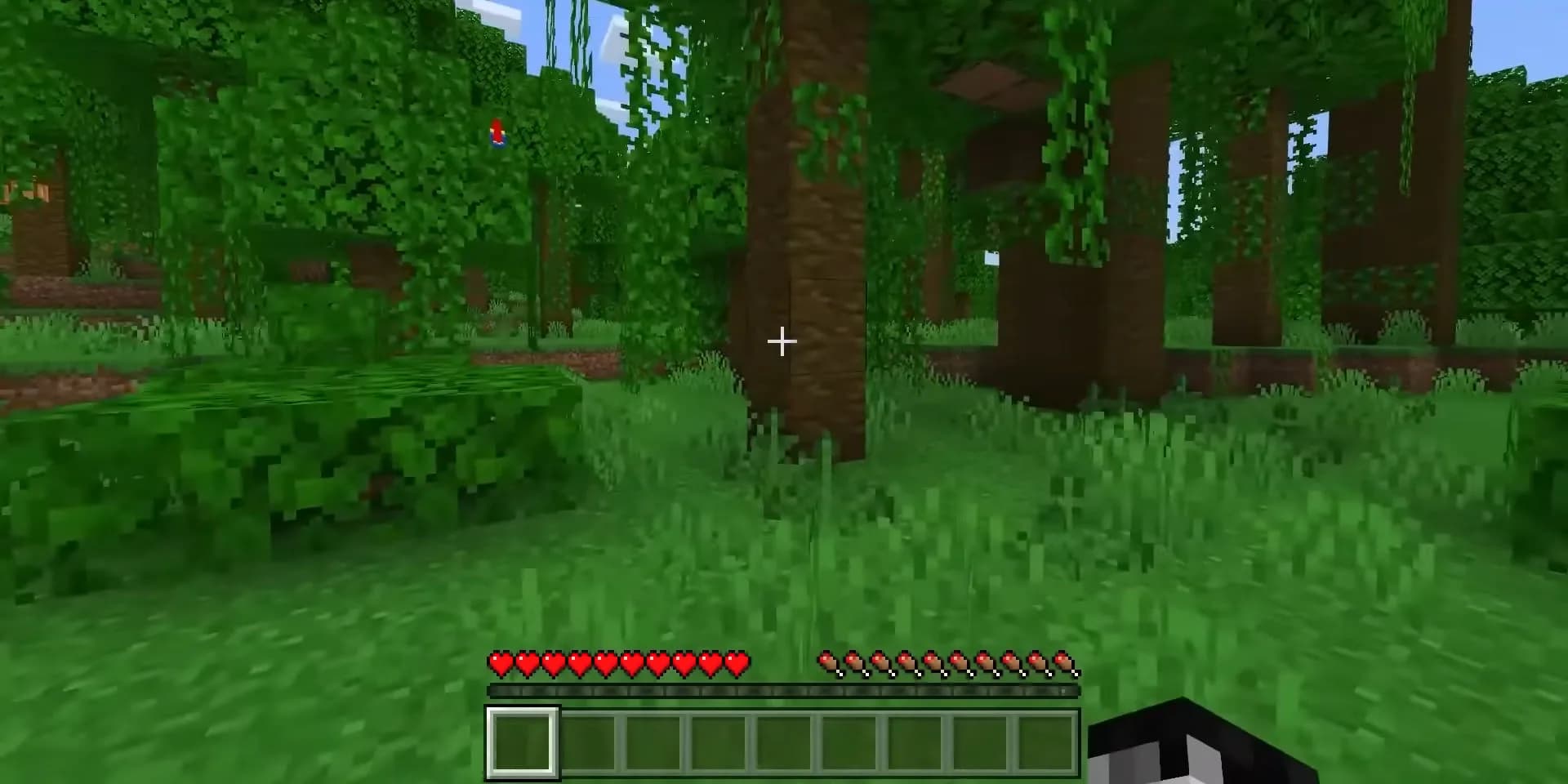
Modrinth hosts many popular shader packs that work with the Iris shaders mod. Downloading and installing them takes only a few steps.
What You Need
- Iris installed (works with Sodium for best performance)
- Sodium installed (Iris requires it)
- A shader pack downloaded from Modrinth
If you have not installed Iris and Sodium yet, install them first. They are both on Modrinth.
Step 1: Find a Shader Pack on Modrinth
- Go to modrinth.com and select the Shaders category
- Browse or search for a shader pack (Complementary, BSL, Photon, etc.)
- Confirm it supports your Minecraft version and Iris
- Click Download and choose the version matching your game
The download is a .zip file. Do not unzip it.
Step 2: Place It in the Shaderpacks Folder
- Open your Minecraft directory (
.minecraft) - Open the
shaderpacksfolder (Iris creates this automatically) - Drop the downloaded
.zipfile into it
Quick way to open the folder:
- In-game: Options → Video Settings → Shader Packs → Open Shader Pack Folder
Step 3: Enable the Shader
- Launch Minecraft with the Iris/Fabric profile
- Go to Options → Video Settings → Shader Packs
- Select your downloaded shader from the list
- Click Apply or Done
The shader loads immediately. If your FPS drops too much, choose a lighter shader or lower the shader's settings.
Common Issues
Shaders not showing up:
- Confirm the
.zipis in theshaderpacksfolder (not unzipped) - Make sure Iris is installed and active
Game crashes when enabling:
- The shader version may not match your Minecraft version
- Your GPU may not support the shader's features
Low FPS:
- Use a performance-focused shader pack
- Lower render distance and shader quality settings
Recommended Shader Packs on Modrinth
- Complementary Reimagined / Unbound, balanced quality and performance
- BSL Shaders, popular, customizable
- Photon, modern, high quality
- Sildur's Vibrant, good for lower-end systems
FAQ
Can I download shaders from Modrinth?
Yes. Modrinth has a Shaders category. Download the .zip and place it in your shaderpacks folder.
Do I need Iris for Modrinth shaders? Yes. Iris (with Sodium) is the recommended shader loader for Fabric.
Should I unzip the shader file?
No. Keep it as a .zip and place it directly in the shaderpacks folder.
Related: Does Sodium support shaders?, Best Minecraft shaders 2026, Modrinth texture and resource packs