
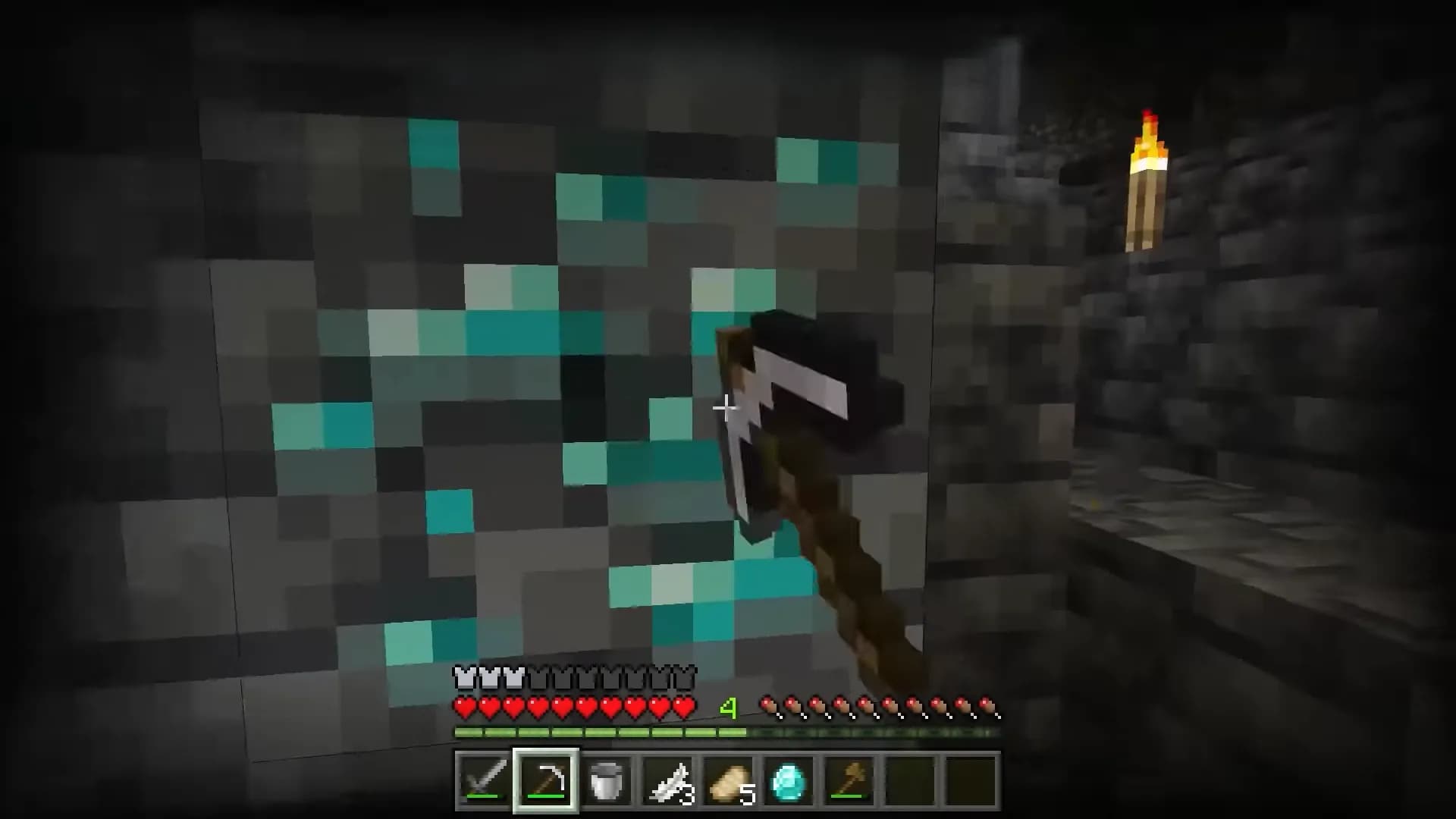
A player joins your server from a phone, and two days later they wear full diamond armor and their mine runs in straight lines from one ore vein to the next. You suspect x-ray, which on Bedrock usually means a resource pack that turns stone see-through. Can your server do anything about it? That depends on what you run. A Bedrock Dedicated Server cannot hide ores. A Paper server can, and Bedrock players who join that Paper server through Geyser are covered as well. This guide shows why, which settings to use, and what to test with a Bedrock client before you rely on it.
Quick answer: You cannot stop xray on a Minecraft Bedrock server that runs Microsoft's Bedrock Dedicated Server on its own. Neither Microsoft's server.properties reference nor the file bundled with the current 1.26.61.1 download has a setting that hides ores; its anti-cheat settings check movement, attacks and block breaking. What works is a server that never sends the real ore positions. Paper's built-in Anti-Xray does that, and because Geyser translates the chunks Paper sends, Bedrock players on a Paper server with Geyser get stone or fake ores too. Set enabled: true under anticheat.anti-xray in config/paper-world-defaults.yml, start with engine-mode: 1 (or 3 if you want fake ores), restart, and test with a real Bedrock client.
For Players: X-ray Packs on a Server You Don't Own
On someone else's server, the owner decides whether you may use an x-ray pack, and many owners ban it. The Bedrock network Lifeboat, for example, only accepts "Cosmetic texture packs/resource packs that do not contain an x-ray or any other gameplay modifications" and calls any modification not on its list "an immediate bannable offense" (in-game rules, checked 3 November 2026). The same list does allow fullbright and night vision packs, so rules differ per server: read them, and ask staff when they say nothing. On a server with Paper's Anti-Xray, a pack mostly shows stone or fake ores anyway. For the Java side with mods, see our x-ray and fullbright guide. The rest of this page is for server owners.
Can a Bedrock Server Stop Xray on Its Own?
An x-ray pack only changes how blocks look on the player's screen. The ore positions are already on the device, because the server sent them with the chunk. The only fix on the server side is to send something else, and Bedrock Dedicated Server (BDS) has no setting for that.
I checked two places on 3 November 2026: Microsoft's Bedrock Dedicated Server Properties page and the server.properties file inside the Linux download, bedrock-server-1.26.61.1.zip. These are the bundled settings that deal with cheating or with packs, with what the file's own comments say:
| Setting | What the bundled comment says |
|---|---|
server-authoritative-movement-strict | Be more strict toward the player position and less permissive in accepting client info |
server-authoritative-entity-attack-range-validation | Server validation of attack range: disabled, observe or enforce |
server-authoritative-block-breaking-pick-range-scalar | The server computes mining in sync with the client to verify the client should be able to break the block |
player-position-acceptance-threshold | Tolerance between client and server position; values above 1.0 increase the chance of allowing cheating |
texturepack-required | "Force clients to use texture packs in the current world" |
None of them is described as hiding blocks. They check where a player is, what they hit and what they break.
About texturepack-required: Microsoft's page says "If the world uses specific texture packs, setting this to true forces the clients to use them." That is about delivering your world's own packs. Neither Microsoft's page nor the bundled comment says it blocks or detects other packs on a player's device, so don't count on it as an x-ray defence.
What a BDS owner can do:
- Keep the server private. With
allow-list=true, "all connected players must be listed in the separate allowlist.json file". - Write the rule down and act on reports from other players.
- Move to Paper with Geyser if you want ores hidden. Bedrock players then join a Java server and play in a Java world, so read Geyser's current limitations first. Our Geyser and Floodgate guide covers the setup, and our vanilla to Paper guide covers the switch to Paper.
How Paper's Anti-Xray Reaches Geyser Players
Paper's docs describe "an obfuscation-based Anti-Xray with three modes, configurable on a per world basis". It edits the chunk data before it leaves the server: ores covered by solid blocks are sent as stone or as random fake ores, and the real block data follows when a player interacts with a block close by.
Geyser's README calls Geyser "a proxy" that translates packets between Bedrock and Java. A Bedrock player behind Geyser gets what Paper sent to Geyser's Java connection, fake ores included. Reports on Geyser's tracker show it: in May 2026 a reporter wrote that when Bedrock players mine ores, "they see the fake ores generated by Paper's anti-xray" (#6413). The setting lives on the Paper server, so it applies whether Geyser runs as a plugin on that server or on a proxy in front of it.
Because the real positions of covered ores never arrive, it does not matter whether the client uses a pack or a mod. Paper's own FAQ names both an "X-ray mod" and an "X-ray resource pack" when it explains what players see.
Which Anti-Xray Engine Mode Suits Bedrock Players
| Mode | What an x-ray user sees | Paper's notes | Geyser reports |
|---|---|---|---|
| 1 | Covered ores replaced by stone (deepslate below y 0), netherrack or end stone | "Much less computationally intensive" on the client; only ores fully covered by solid blocks are hidden | A 2021 report of Bedrock lag on mode 2 was closed after another user advised mode 1 (#2537) |
| 2 | Random fake ores throughout the covered area | "May better prevent Xray" | Open since August 2026: Bedrock clients stopped receiving chunk and entity updates within seconds and could time out (#6650) |
| 3 | Fake ores, with one random block per chunk layer | Can "reduce network load when joining by a factor of ~2" and helps chunk packet compression | Fixed the freeze for the #6650 reporter, with the rest of the config unchanged |
Issue #6650 is not proof that mode 2 always fails: a Geyser contributor replied that mode 2 had worked on their own server a few weeks earlier. The reporter also had air in hidden-blocks and max-block-height at 128.
My advice: on a server with many Bedrock players, especially on phones, tablets or a Switch, start with mode 1. If you want fake ores that waste an x-rayer's time, use mode 3 rather than mode 2, and leave air out of hidden-blocks until you have tested. Paper warns that air "may cause client FPS drops for all players".
Turn On Anti-Xray: The Settings
Open config/paper-world-defaults.yml, find the existing anticheat: block with anti-xray: under it, and replace it. Don't add a second one. This is Paper's recommended engine mode 1 block for the overworld:
anticheat:
  anti-xray:
    enabled: true
    engine-mode: 1
    hidden-blocks:
    - chest
    - coal_ore
    - deepslate_coal_ore
    - copper_ore
    - deepslate_copper_ore
    - raw_copper_block
    - diamond_ore
    - deepslate_diamond_ore
    - emerald_ore
    - deepslate_emerald_ore
    - gold_ore
    - deepslate_gold_ore
    - iron_ore
    - deepslate_iron_ore
    - raw_iron_block
    - lapis_ore
    - deepslate_lapis_ore
    - redstone_ore
    - deepslate_redstone_ore
    lava-obscures: false
    max-block-height: 64
    replacement-blocks: []
    update-radius: 2
    use-permission: false
For the Nether, create world/dimensions/minecraft/the_nether/paper-world.yml (the path Paper's docs show today) with:
anticheat:
  anti-xray:
    enabled: true
    engine-mode: 1
    hidden-blocks:
    - ancient_debris
    - nether_gold_ore
    - nether_quartz_ore
    lava-obscures: false
    max-block-height: 128
    replacement-blocks: []
    update-radius: 2
    use-permission: false
Paper switches it off for the End in world/dimensions/minecraft/the_end/paper-world.yml:
anticheat:
  anti-xray:
    enabled: false
For mode 3, copy the engine mode 3 blocks from Paper's Anti-Xray guide instead: the lists differ. Coal, emerald and chests move to replacement-blocks, common blocks such as stone, deepslate, dirt and gravel are added there, and the sample puts air in hidden-blocks, which you may want to leave out at first.
What each key does, from Paper's world configuration reference:
enabled: on or off. The default isfalse.engine-mode: 1, 2 or 3, as in the table above.hidden-blocks: in mode 1 the blocks to hide; in modes 2 and 3 the fake blocks to scatter. Tile entities such as chests are not allowed on this list in modes 2 and 3.replacement-blocks: ignored in mode 1. In modes 2 and 3 these blocks are swapped for fake blocks too.max-block-height: the maximum height Anti-Xray works up to, which Paper describes as a "y coordinate, starting from the bottom of the world". Only multiples of 16 count; other values are rounded down. Paper's sample notes that since 1.18 some ores generate much higher, so raise it if those ores matter to you.update-radius: 0, 1 or 2. Paper says 0 "is only designed for testing purposes".lava-obscures: also hides blocks touching lava. Paper says it does not work well with ore textures that don't look like stone.use-permission: lets players withpaper.antixray.bypassskip Anti-Xray. Off by default, because legacy permission plugins may struggle with the number of checks.
Then restart the server. Paper's docs say changes are not applied automatically and tell you not to use /reload. To confirm the settings took, Paper suggests inspecting the config sections with spark, which Paper bundles: run /spark profiler start --timeout 30 and open the link it gives you.
On our Minecraft hosting, Paper is a one-click install and Bedrock players can join through Geyser. Every plan includes three port allocations, so Geyser can have its own port next to the game port.
Test It With a Bedrock Client
- If you turned on
use-permission, test with an account that is not an operator: Paper's FAQ says operators bypass Anti-Xray in that case. - Join from a Bedrock device through Geyser and dig a tunnel at ore level for a few minutes. Chunks should keep loading, mobs should keep moving, and ores should turn real as you uncover them.
- If mobs freeze, chunks stop loading or the client times out, you may be hitting the problem from #6650. Switch to
engine-mode: 3or1and restart. - If uncovered ores stay fake for Bedrock players, update Geyser first. Run
geyser version, which shows the current version and checks for updates. The May 2026 report of exactly this (#6413) was closed after a Geyser team member pointed to an outdated Geyser build.
What Anti-Xray Does Not Catch
Paper's guide is open about the gaps:
- Ores exposed to air in caves or next to lakes can be seen in every mode. In modes 2 and 3, adding
airtohidden-blockshides them at the cost of client FPS. - Ores above
max-block-heightare not touched. - Range extension. Paper says the range of real ores a client can see can be extended "by a not insignificant amount", and that "any competent anti-cheat plugin" can mitigate this. None is included. For Bedrock players, check Geyser's community anticheat compatibility list: on 3 November 2026 it listed GrimAC, Vulcan, Matrix and Verus as "Partially Compatible (Does not Check/Ignores Bedrock Players)", and Boar, Penguin (paid) and Themis as checking Bedrock players accurately. Geyser adds that the list is no endorsement.
- Seed reversing. A client that learns the world seed knows where every generated ore is. Paper points to the
feature-seedsworld setting and the structure seeds in spigot.yml to make that harder, calls it "not a complete solution", and suggests a different seed for each world. Seeds only affect generation, so this is best done before players explore a new world.
That is why a block log still helps. With CoreProtect, /co lookup i:diamond_ore,deepslate_diamond_ore t:3d a:-block #summary shows who broke diamond ore in the last three days with per-user totals. Floodgate puts a dot before Bedrock names by default (username-prefix: "."), so a Bedrock player called Steve is u:.Steve in a lookup. More server hardening is in our Minecraft server security guide.
FAQ
Is x-ray allowed on a Bedrock server I don't own? Only if that server's rules allow it. Many networks ban x-ray packs while allowing cosmetic or fullbright packs; Lifeboat's rules are one example. Ask staff when the rules don't mention it.
Does Paper's anti-xray work for Bedrock players on Geyser? Yes. Geyser translates the chunks Paper sends, and Paper has already replaced covered ores before they leave the server, so Bedrock players see the same stone or fake ores as Java players. Test engine mode 2 carefully, because of the open freeze report (#6650).
Does texturepack-required stop x-ray packs on a Bedrock server? Microsoft describes it only as forcing clients to use the texture packs of the current world. Neither its docs nor the bundled server.properties comment says it blocks or detects other packs, so don't rely on it.
Which anti-xray engine mode should I use with Geyser? Start with mode 1, which Paper calls much lighter on the client. For fake ores, use mode 3, which also cuts network load on join; one Geyser report shows mode 3 working where mode 2 froze Bedrock clients.
Can staff or operators bypass anti-xray?
Yes, if you set use-permission: true. Players with paper.antixray.bypass, and operators, then see real blocks. Paper recommends this only with a modern permission plugin.
Sources
All opened on 3 November 2026:
- PaperMC: Configuring Anti-Xray, World configuration, Configuration overview, spigot.yml reference
- Microsoft and Mojang: Bedrock Dedicated Server Properties, Bedrock Dedicated Server download (server.properties inside bedrock-server-1.26.61.1.zip for Linux)
- GeyserMC: README, Current limitations, Anticheat compatibility, Commands and permissions, issues #6650, #6413 and #2537, Floodgate config.yml
- spark: Command usage
- CoreProtect: Commands
- Lifeboat: In-game rules