
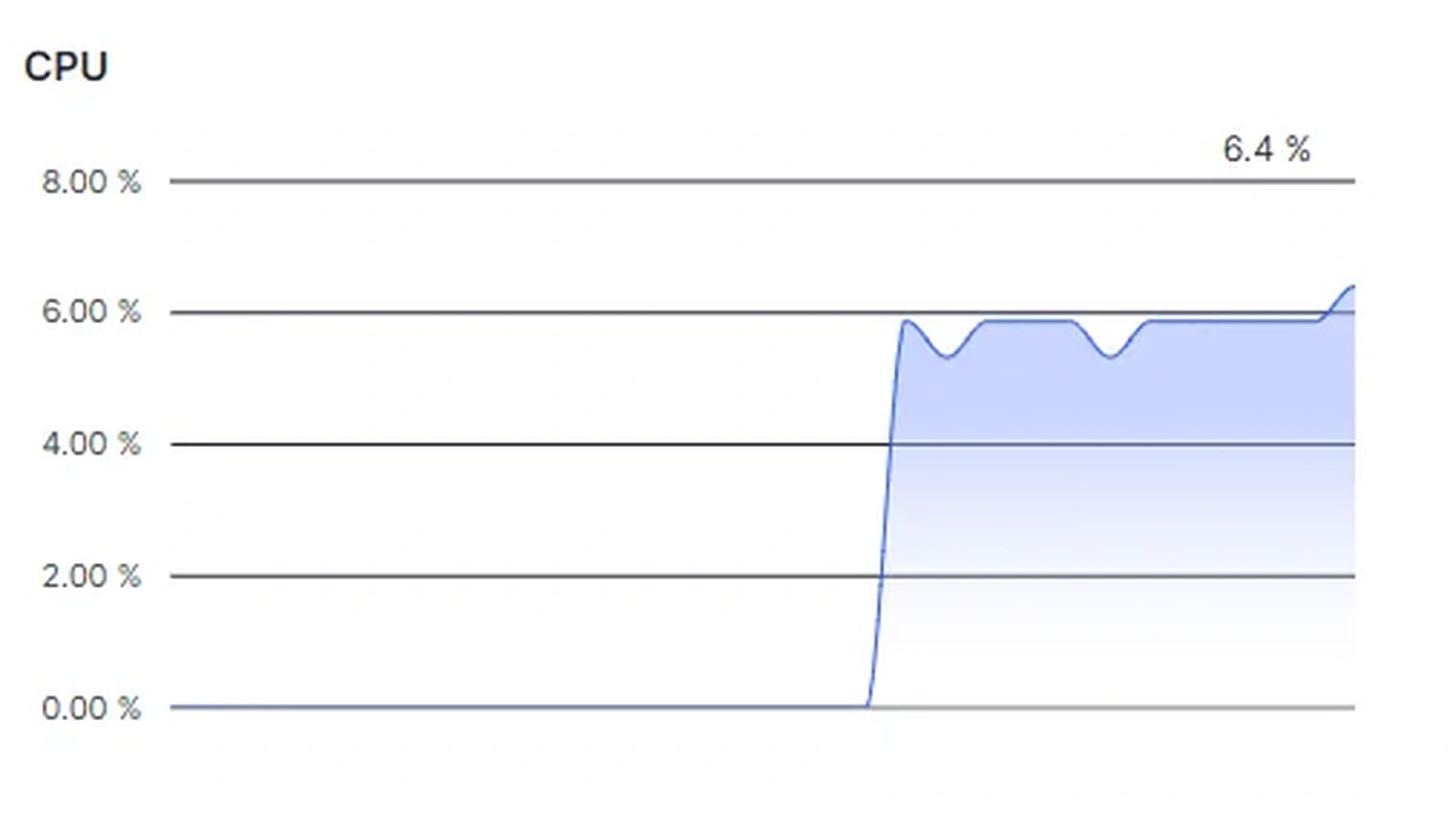
Your VPS plan lists 4 vCores, another host sells "dedicated vCPUs" for more money, and your app slows down at about the same time most evenings. Is a neighbour using your CPU? This guide explains what a vCore is and how a host shares it, and shows how to check with top and vmstat on Ubuntu 24.04 or Debian 12 if you are losing CPU time.
Quick answer: A vCore (vCPU) is a virtual processor: under KVM, a thread on the host that the host's scheduler runs on a physical CPU when one is free. Shared vCPUs from several virtual machines take turns on the same physical CPUs, so you can get a full hardware thread when the host has spare capacity and you wait when it doesn't. Dedicated means a hardware thread or a whole core is reserved for you; providers differ on which. The waiting shows up as steal time, st in top and vmstat. Shared suits mostly idle work such as websites, bots and automations. Dedicated suits work that keeps the CPU busy for hours or cannot accept slow moments.
What a vCore Is
Inside your VPS a vCore looks like any other processor: nproc prints how many you have, and top lists them as %Cpu0, %Cpu1 and so on after you press 1.
nproc
On the host, as Red Hat's KVM documentation explains, "Virtual CPUs (vCPUs) are implemented as threads on the host, handled by the Linux scheduler." That scheduler, which has been moving to EEVDF since kernel 6.6, "aims to distribute CPU time equally among all runnable tasks with the same priority" according to the kernel documentation.
Many clouds count one vCPU as one hardware thread, not one physical core. AWS says each vCPU of most of its burstable instances "is a thread of either an Intel Xeon core or an AMD EPYC core", and DigitalOcean's plan guide speaks of hyper-threads. A core with simultaneous multithreading (SMT, or hyper-threading) runs more than one hardware thread, and those threads share the core's hardware (see the kernel's core scheduling page).
How a Host Shares vCPUs
A host can hand out more vCPUs than it has physical CPUs. Red Hat calls this overcommitment: "the sum of all vCPUs in virtual machines (VMs) running on a host exceeds the number of physical CPUs on the host." It works because, in the words of AWS's burstable instance documentation, "Many general purpose workloads are on average not busy". Red Hat's guidance for KVM hosts is that "the safe ratio is typically 5 vCPUs to 1 physical CPU for loads under 100%", and it advises against more than 10 allocated vCPUs per physical core. If a provider doesn't publish its ratio, ask.
The host also sets how vCPU threads compete. In libvirt, a management layer for KVM, shares sets "the proportional weighted share for the domain", period and quota cap how long each vCPU may run per period, and vcpupin pins a vCPU to chosen host CPUs. Red Hat says pinning "ensures that the vCPU has its own dedicated physical CPU thread". With no other virtual machine allowed on that thread, you have a dedicated vCPU.
When more vCPU threads want to run than the host has free hardware threads, some wait in the host's run queue, and KVM tells your VPS how long. In the kernel's KVM code, the steal counter grows with the vCPU thread's run_delay, "Time spent waiting on a runqueue" according to the scheduler header. The KVM documentation defines steal as "the amount of time in which this vCPU did not run" and adds: "Time during which the vcpu is idle, will not be reported as steal time." So steal time is time your vCPU had work to do while the host ran something else.
Noisy Neighbours
A noisy neighbour is another customer whose load slows you down. Microsoft's Azure Architecture Center says the problem "occurs when one tenant's performance is degraded because of the activities of another tenant", and that it also happens when each tenant uses little but their peaks coincide. So it comes and goes, which is why Microsoft advises recording timings and comparing them with a baseline.
CPU time is not all that neighbours share. Cores also share L3 cache and memory bandwidth, and the kernel's resctrl documentation shows a host splitting the L3 cache between tasks "to avoid noisy neighbors". Disks and the network are shared too. Dedicated cores remove the wait for CPU time, not the competition for these.
What "Dedicated" Means at Three Clouds
The labels are not standard, so read each provider's definition. Checked on 30 October 2026:
| Provider | Shared or burstable plans | Dedicated or fixed plans |
|---|---|---|
| DigitalOcean | The hyper-thread "may be shared between multiple other Droplets", and with busy neighbours a Droplet "could receive fractions of hyper-threads" | Droplets "have guaranteed access to the full hyper-thread at all times" |
| Akamai (Linode) | Your processes "are scheduled on the same CPU cores as processes from other Linodes", and cores "should remain below 80% sustained usage on average" | Plans "reserve full physical CPU cores for your workloads" |
| AWS | A baseline plus credits: a t3.micro has 2 vCPUs at a 10% baseline each and, in standard mode without credits, "gradually comes down to baseline CPU utilization" | Traditional instance types "provide fixed CPU resources" |
So "dedicated" can mean a full hardware thread or a full physical core, and "shared" can come with a usage expectation or a hard baseline.
How to Read Steal Time in top
Run top. The third line holds the CPU states:
%Cpu(s): 4.3 us, 4.3 sy, 0.0 ni, 91.3 id, 0.0 wa, 0.0 hi, 0.0 si, 0.0 st
us and sy are user and kernel time and id is idle. The top manual defines wa as "time waiting for I/O completion" and st as "time stolen from this vm by the hypervisor". The percentages cover "the interval since the last refresh", so 10.0 st means your vCPUs spent a tenth of their time in that interval waiting for the host.
1switches between one summary line and a line per vCPU, so you see whether one vCPU is full while the others idle.Hshows threads.top -H -p 1234shows only the threads of process 1234.tcycles through four display modes. If the CPU line has turned into bars, press it until the text is back.
In htop, turn on "Detailed CPU time (System/IO-Wait/Hard-IRQ/Soft-IRQ/Steal/Guest)" under Setup (F2), Display options, to give steal its own segment in the CPU bars.
Idle time never counts as steal, so a quiet VPS shows almost none even on a busy host. Look while your app is under load.
Log Steal Time for a Day
vmstat 5 12 prints 12 reports, 5 seconds apart, with steal in the st column; skip the first line, which holds averages since boot. For each vCPU separately, install sysstat and run mpstat, whose %steal counts "involuntary wait by the virtual CPU or CPUs while the hypervisor was servicing another virtual processor".
vmstat 5 12
sudo apt install sysstat
mpstat -P ALL 5 3
Contention comes and goes, so log a whole day: one sample a minute, 1440 in all. -n prints the header once, -t adds a timestamp, and nohup keeps vmstat running after you log out:
nohup vmstat -n -t 60 1440 > vmstat-24h.txt &
The next day, list the five minutes with the most steal:
grep '^ *[0-9]' vmstat-24h.txt | sort -k17,17nr | head -n 5
grep keeps the data lines, st is the 17th column in the vmstat of Ubuntu 24.04 and Debian 12, and each line ends with its date and time. Compare those times with your slow periods.
What the Numbers Tell You
| What you see | What it means | What helps |
|---|---|---|
us plus sy near 100 on every vCPU, st near 0 | Your own work fills your vCores | Tune the app, or a plan with more vCores |
| One vCPU near 100, the others mostly idle | One busy thread is the limit | Faster cores, not more of them |
st climbs when your app slows down | The host is busy and your vCPUs wait | Send the log to your provider; consider dedicated cores |
High wa | Processes wait for disk I/O | Look at storage, not the CPU |
Mostly id while the app is slow | The CPU is not the bottleneck | Check memory, disk, network and the app |
A bigger shared plan fixes the first row, not the third: more vCores on a busy host are more threads in the same queue. For the second row, our EPYC vs Ryzen guide covers how to compare processors.
Which Workloads Need Dedicated Cores
The plan guides of DigitalOcean and Akamai (both checked 30 October 2026) draw the same line. DigitalOcean calls shared plans "ideal for apps that mostly run at low to medium load, and occasionally burst for brief periods of time". That covers most websites, bots, n8n automations, VPNs and monitoring.
Dedicated cores pay off in three cases:
- The CPU is busy for hours. Akamai recommends dedicated plans for "any application that requires 100% sustained CPU usage", and DigitalOcean names CI/CD build pipelines and "video and image transcoding". Red Hat warns that "Applications that use 100% of memory or processing resources might become unstable in overcommitted environments."
- Slow moments are not acceptable. DigitalOcean means workloads "where time is of the essence or variable performance is intolerable", and Akamai names high traffic databases.
- Busy game servers. Both providers list game servers. A game server works to a fixed budget per tick: Minecraft "normally runs at a fixed rate of 20 ticks per second", and the Minecraft Wiki notes that "The TPS can be maintained at 20 only if the MSPT is no higher than 50." Most of a Java server's tick runs on one main thread (see our Minecraft CPU guide), so every millisecond its vCPU waits comes out of that budget. A shared vCore on a host with spare capacity can get a full hardware thread, so measure first: if steal peaks line up with MSPT peaks, the wait is your lag.
How a Space-Node VPS Handles CPU
Our VPS plans are KVM virtual machines: the RAM in your plan is dedicated to your VPS, and the vCores are shared with the other VPSes on the node. Standard runs on an AMD EPYC 7452 with DDR4 and Premium on an AMD Ryzen 9 9950X with DDR5, both in an EU data center, and the plans list the vCores per size. Our KVM guide explains how KVM differs from container-based VPS hosting.
Which One Fits
- Shared vCores if your CPU is idle most of the day and
ststays low while your app is busy. If your own work fills the vCores, a bigger shared plan helps first. - Dedicated cores if the work keeps the CPU busy for hours, slow moments cost you money, or your log shows steal following your slow periods day after day.
Before you order, ask the provider four things: is a dedicated vCPU a full core or a hardware thread, is there a sustained-use limit on shared plans, is steal time visible inside the VPS, and what happens when your steal stays high?
FAQ
How much steal time is normal? There is no official limit, and on shared plans some steal is expected: Akamai's guide to shared and dedicated CPUs (checked 30 October 2026) says "Generally, in shared hosting, some level of steal can be expected." Steal that stays low while your app is busy is fine; steal that climbs every time your app slows down is contention.
Why does st always show 0.0?
Either nothing competed with your vCPUs while you looked, or they were idle, which never counts as steal. Or the host doesn't offer it: under KVM, steal time is a feature the host advertises with the CPUID bit KVM_FEATURE_STEAL_TIME (see the kernel's list). Your provider can tell you.
Is a dedicated vCPU a full physical core? Not always. DigitalOcean's dedicated plans guarantee "the full hyper-thread", one hardware thread of a core, while Akamai's "reserve full physical CPU cores". Threads on one core share its hardware, so ask which one you get.
Can I see which neighbour is using the CPU? No. KVM gives your VPS a steal counter per vCPU, the time that vCPU did not run, and nothing about who ran instead. Only the host can see that, so send your provider the times from your log.
Is the CPU dedicated when the RAM is? No, they are separate settings. On a Space-Node VPS the RAM is dedicated and the vCores are shared, so if your workload keeps every core busy for hours, ask support before you order.
Sources
All opened on 30 October 2026:
- Linux kernel docs: KVM MSRs (MSR_KVM_STEAL_TIME), KVM CPUID bits, EEVDF scheduler, scheduler statistics, resctrl, core scheduling
- Linux kernel source: arch/x86/kvm/x86.c (record_steal_time), include/linux/sched.h (run_delay)
- Red Hat Enterprise Linux 10: Optimizing virtual machine performance
- libvirt: Domain XML format, CPU allocation and CPU tuning
- Man pages for Ubuntu 24.04: top(1), vmstat(8), mpstat(1), nproc(1), grep(1), sort(1), head(1)
- Debian 12: vmstat(8), sysstat package
- GNU coreutils: nohup
- htop: htop(1) for Ubuntu 24.04, source files DisplayOptionsPanel.c and CPUMeter.c
- AWS: Burstable performance instances, Key concepts for burstable performance instances
- DigitalOcean: Choosing the right CPU Droplet plan
- Akamai: Choose a compute plan, Choosing between shared and dedicated CPUs
- Microsoft: Noisy Neighbor antipattern
- Minecraft Wiki: Tick