
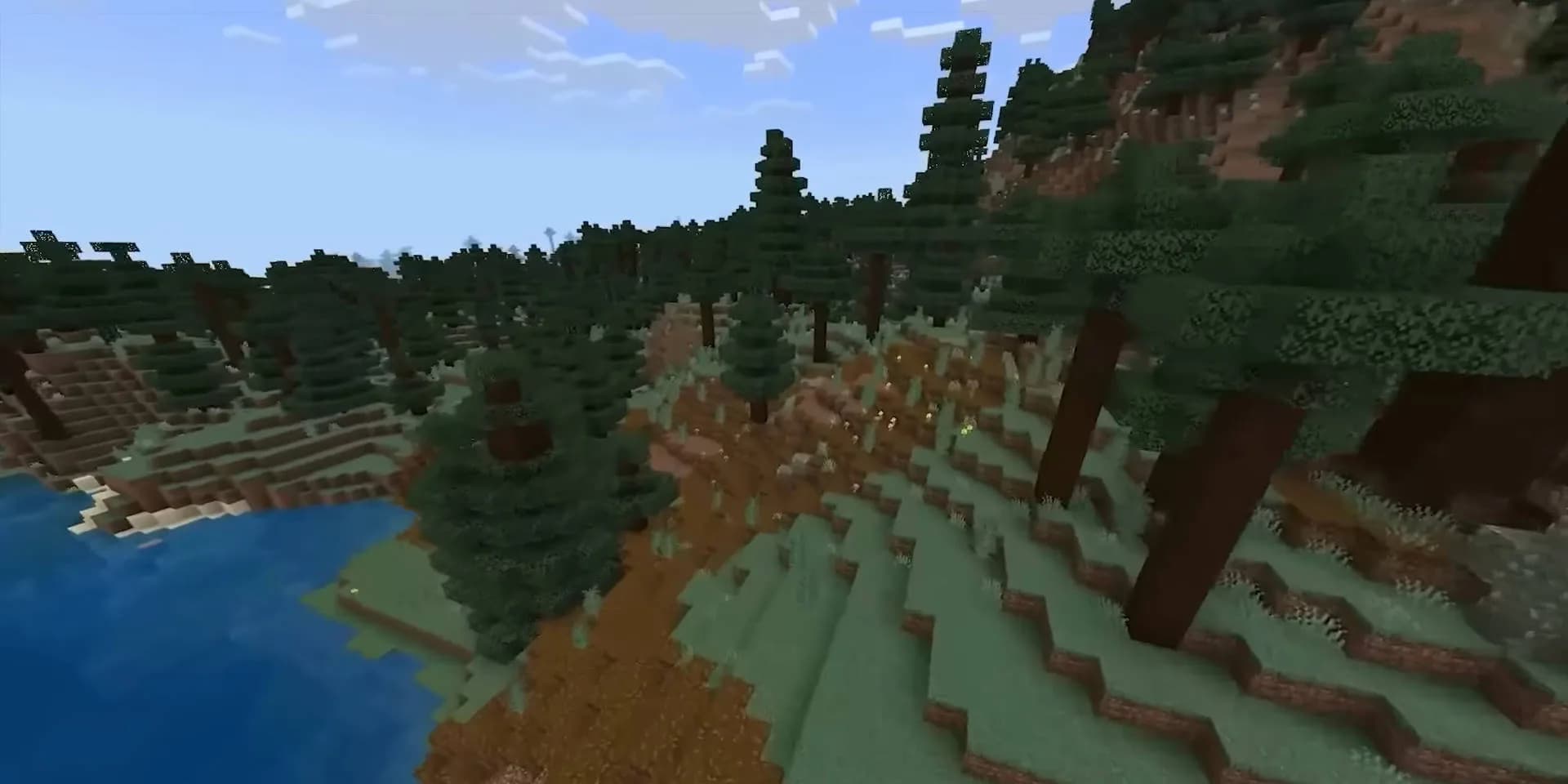
Simulation distance in Minecraft is the radius, in chunks, around each player inside which the game actually runs: mobs spawn and move, crops grow, redstone fires and water flows. Past it, chunks your players can still see stay loaded, but nothing in them moves or changes. On a server it is the simulation-distance line in server.properties, next to view-distance, which only decides how much of the world is sent to players to look at.
Both default to 10, which the Minecraft Wiki calls "the default/recommended" value, to be reduced if players have major lag.
Quick answer: Simulation distance is how many chunks around each player the server keeps ticking: entities, mob spawning, redstone, crops and fluids. What simulation distance should you use? Start at the default of 10 and lower it in steps of 2 only when MSPT climbs toward 50 ms, the length of one tick. Stay at 8 or higher if your players rely on mob farms, because Java Edition only spawns mobs in chunks within 128 blocks (8 chunks) of a player, so anything above 8 adds ticking but no extra mobs. Keep view distance equal to or higher than simulation distance. Set both in server.properties, for example simulation-distance=8 and view-distance=10, or per world in Paper's spigot.yml.
What Simulation Distance Should I Use? Best Values by Server Size
These are starting points, not measurements. They follow from two fixed numbers, the default of 10 and the 8 chunk spawning area, for servers where the default is more than the CPU can carry. Set them, watch MSPT for a week with real players online, then move one step at a time.
| Server type | Players | view-distance | simulation-distance |
|---|---|---|---|
| Small private survival | 1 to 10 | 12 | 8 |
| Public survival SMP | 10 to 25 | 10 | 6 |
| Busy survival SMP | 25 to 60 | 8 | 5 |
| Large network or hub | 60 plus | 6 | 4 |
| Creative or build server | 5 to 25 | 12 | 4 |
| Light modpack, under roughly 150 mods | 5 to 15 | 8 | 6 |
| Heavy modpack, ATM10 class | 5 to 15 | 7 | 5 |
| Minigames, lobby, skyblock hub | any | 5 | 4 |
| Anarchy or large open map | 30 plus | 8 | 5 |
Two patterns worth noticing in that table.
Simulation distance falls faster than view distance as the server gets busier. That is deliberate. Ticking is the expensive part, and ticking is what breaks first.
A creative server gets a high view distance and a low simulation distance. Builders want to see their work from far away. Nothing on a creative server needs mobs spawning or crops growing far from where the builders stand.
What Is Simulation Distance in Minecraft?
Simulation distance is the radius, in chunks, around each player where the server actually runs the game. Inside it, mobs spawn and move, crops and saplings grow, redstone fires, water flows, hoppers move items, furnaces smelt. Outside it, the terrain is still loaded and visible as far as view distance reaches, but nothing moves or changes.
Mojang added it as a separate setting in Java Edition 1.18 (snapshot 21w38a), and the changelog sums up the point: it "allows higher render distance with less CPU load". Before that, view distance controlled both what you could see and what was running, which meant every chunk you wanted players to see was a chunk the server had to tick.
The value is a radius measured from the player's own chunk, not a diameter. In server.properties it accepts 3 to 32 and defaults to 10. Java singleplayer uses a different scale, 5 to 32 with a default of 12, which is why a world that runs fine on your own machine can feel different on a server.
The behaviour is not one clean cutoff. At simulation distance 6, entities move normally in a 13 by 13 chunk area around the player. In a one chunk frame just outside that, redstone can still run, fluids can still flow and crops can still grow, but entities stand still and no mobs spawn. Past that frame, nothing happens at all until a player walks back over.
That is the practical definition: simulation distance is how far your farms keep working when you walk away. The same goes for raising a happy ghast: a dried ghast and a ghastling only make progress inside that distance, as our happy ghast guide explains.
View Distance vs Simulation Distance
They sound like the same setting and they are not. This is the comparison most people are actually looking for.
| Aspect | view-distance | simulation-distance |
|---|---|---|
| Controls | Chunks sent to the client for rendering | Chunks the server actively ticks |
| Costs you | RAM, bandwidth, chunk generation | CPU, tick time, MSPT |
| Player notices | Terrain fading in close, fog | Farms stopping, mobs not spawning, redstone freezing |
| Default | 10 | 10 |
| Range | 3 to 32 | 3 to 32 |
The rule is simple. Keep view distance higher than simulation distance. The Minecraft Wiki's page on the setting says simulation distance is "ideally less than render distance", because updating entities is the more taxing job. Players get a wide horizon, and the server only pays the tick cost for the chunks near them. Going the other way, simulation distance higher than view distance, is pure waste. You are ticking chunks nobody can even see.
There is one more thing worth knowing about view distance. Since Java Edition 1.20.2 the server only sends chunks inside the player's own render distance; the 23w31a snapshot changelog puts it as "Only chunks within the client's render distance are now sent." So each player gets the smaller of your view distance and their own setting. A player with render distance 6 gets 6 chunks even if you set the server to 16. A player cannot go above your server value. Raising view distance only costs you for the players who actually run a high render distance, and lowering it below a player's client setting is immediately visible to them as fog.
What Each Chunk of View Distance Actually Costs
The chunk count for a given distance is (2n + 1) squared, because it is a square area with the player in the middle.
| Distance | Chunks per player |
|---|---|
| 4 | 81 |
| 5 | 121 |
| 6 | 169 |
| 7 | 225 |
| 8 | 289 |
| 10 | 441 |
| 12 | 625 |
| 16 | 1089 |
| 32 | 4225 |
Going from 10 to 12 is not a 20 percent increase, it is 184 extra chunks per player. Going from 12 to 16 adds another 464. This is why view distance 32 is a bad idea on anything but a two person server, and why the people who set it and then ask why the server needs more RAM usually get told to set it back.
The multiplication matters too. Twenty players standing in spawn share almost all of their chunks. Twenty players scattered across a fresh map each load their own set, and every one of those chunks may need generating for the first time. That is the single worst load pattern a Minecraft server sees, and it is why a pregenerated map behaves so differently from a fresh one at the same view distance.
Why Simulation Distance 8 Is the Number That Matters for Farms
Natural mob spawning in Java Edition is capped by the game itself. According to the Minecraft Wiki, mobs spawn naturally only in chunks that have a player horizontally within 128 blocks of the chunk centre, and hostile mobs that move more than 128 blocks from the nearest player despawn on the spot. 128 blocks is 8 chunks.
Paper reinforces this with mob-spawn-range, which defaults to 8 chunks in spigot.yml.
So simulation distance 8 already covers the whole area where mobs can spawn. Raising it to 12 or 16 does not produce more mobs. What it does buy is redstone, villagers, machines and moving mobs staying active farther out, at the price of hundreds of extra chunks of block ticks and entity updates per player. Raise it only when something your players built far away has to keep running.
The other direction is where players notice. Below 8, the spawning area shrinks with the ticking area, so mob farms produce less, and the lower you go, the closer to an AFK farm or crop field a player has to stand for it to keep working. If your server is built around farms, 8 is the honest floor. If it is a survival server where people mostly build and explore, 5 or 6 costs them little.
How to Change View Distance and Simulation Distance
Both live in server.properties, in the root of your server directory. Stop the server, edit, start it again.
# server.properties
view-distance=10
simulation-distance=6
If you are not sure what the rest of that file does, the full server.properties breakdown covers every key.
One related setting is worth a look if bandwidth is your problem rather than CPU. entity-broadcast-range-percentage defaults to 100 and accepts 10 to 1000. Dropping it to something like 50 halves the distance at which entities are sent to clients (Paper scales its per type entity-tracking-range values by it), which cuts packet volume on servers with a lot of mobs or item entities without touching what is being simulated.
Paper and Per World Overrides
Paper lets you override both values per world in spigot.yml, which is the setting people usually want and cannot find.
# spigot.yml
world-settings:
  default:
    view-distance: default
    simulation-distance: default
  world_nether:
    view-distance: 6
    simulation-distance: 5
default (or -1) means fall through to server.properties. Anything else overrides it for that world.
This is genuinely useful. The Nether has terrible sightlines and heavy mob density, so it does not need the view distance the Overworld does. A minigame world attached to the same server can sit at 5 and 4 while the survival world stays at 10 and 6. Resource worlds that get reset regularly are another good candidate for lower values, since nobody is building long sightline bases there.
If a guide tells you to set no-tick-view-distance in a Paper config, that guide predates 1.18. Paper used to ship that option to send chunks without ticking them, and it is not in Paper's current world configuration because vanilla simulation-distance does the same job. Do not go looking for it.
For the settings that pair with this, the Paper optimization guide covers entity activation range and the rest. Entity activation range is the one most often confused with simulation distance. It defaults to 32 blocks for animals and monsters, 64 for raiders, 16 for misc entities, and it controls how often already loaded entities tick rather than whether their chunk ticks at all. They stack. Simulation distance decides which chunks are live, activation range decides how much attention entities inside them get.
Modded Servers Need Lower Numbers
A modded chunk is not a vanilla chunk. It has more block entities, more custom tick handlers, more machines that want to run every tick, and mod authors who did not always think about a chunk being ticked seventy times over for seventy players.
Two things follow from that. Simulation distance costs more per chunk on a heavy modpack than on a vanilla or Paper server, and the memory per loaded chunk is higher, so view distance costs more too. Starting at 7 and 5 on something ATM10 sized is not being stingy, it is matching the setting to what the pack actually does per tick.
Machine heavy packs have a specific failure mode here. Players build a large automated base, walk away, and the base keeps ticking because it is inside somebody's simulation distance or a loaded chunk from a chunk loader. Lowering simulation distance does not fix that, because the chunk loader is deliberately overriding it. That is a chunk loading policy problem, not a distance problem.
Bedrock Edition
Bedrock has a different scale. On a Bedrock Dedicated Server the setting is called tick-distance in server.properties; it accepts 4 to 12 and defaults to 4, and in a world's own settings you pick an even number from 4 to 12. Spawning is tied to it directly: the Minecraft Wiki gives a spawn range of 24 to 44 blocks from the player at simulation distance 4, and 24 to 128 blocks at 6 and up, still limited sideways by the simulation distance itself. So do not copy Java numbers across. At 4, mobs only spawn close to players; from 6 up, a higher value lets them spawn farther out.
How to Tell You Set Them Too High
Watch MSPT, not TPS. TPS tells you the server has already failed. MSPT tells you how close it is. Anything under 50 ms is fine, since that is the budget for one tick at 20 ticks per second. Sitting just under 50 ms means you have no headroom and the next player to log in or the next large redstone build will push you over. There is more on reading those numbers in the MSPT guide.
Signs that simulation distance is the culprit rather than something else:
MSPT rises with player count in a fairly straight line, and drops back the moment players log off. If a single plugin or a broken farm were at fault, the cost would not track player count so cleanly.
A timings or spark report shows most of the tick going to entity ticking, block ticking or mob spawning rather than to a named plugin.
Lowering simulation distance by 2 and restarting produces an immediate, obvious improvement. This is the cheapest test you can run and it takes one restart.
Signs it is view distance instead: RAM sits high and garbage collection runs constantly, players report chunks loading slowly when they move, or the server struggles specifically when people explore new terrain rather than when they stand around. If RAM is the constraint, work out what you actually need first, since more RAM and a lower view distance solve the same symptom from opposite ends.
FAQ
What simulation distance should I use in Minecraft? On a server, start at the default of 10, which the Minecraft Wiki lists as the recommended value, and lower it only when the server lags. Stay at 8 if farms and mob spawning matter, since 8 chunks covers the whole vanilla spawning radius. Busy survival servers can start at 5 or 6, and minigames, lobbies and heavy modpacks at 4 or 5. When the server lags, lower simulation distance before view distance: players notice it less than fog on the horizon.
What is simulation distance in Minecraft? The radius in chunks around each player where the server actually runs game logic: mob spawning, entity movement, redstone, fluid flow, crop growth and block ticks. Outside it the world stays loaded and visible but frozen.
What is the best render and simulation distance for a Minecraft server?
On the server, keep view-distance at 10, the default, and simulation distance at or below it: 10 if the CPU has room, 8 on farm servers, lower on busy or modded ones. Render distance is each player's own client setting, and since 1.20.2 the server only sends chunks within it, so a render distance above your view distance changes nothing. In singleplayer the same rule holds: simulation distance below render distance.
What is the difference between view distance and simulation distance? View distance is what players can see and costs RAM and bandwidth. Simulation distance is what the server actively runs and costs CPU. View distance should be the higher of the two, so players get a wide horizon without the server ticking distant chunks.
Does raising simulation distance make more mobs spawn? Only up to 8 in Java Edition. Natural spawning only happens in chunks within 128 blocks of a player, which is 8 chunks, so anything above that adds cost without adding mobs.
Does simulation distance affect client FPS? Not directly. Client FPS is driven by the player's own render distance and graphics settings. Simulation distance is a server side cost, though a server dropping below 20 TPS will feel like lag regardless of frame rate.
When the Settings Are Not the Bottleneck
If you have already tuned both and MSPT still will not come down, the bottleneck has moved to hardware. Minecraft runs its world ticks on one main server thread, so single core speed matters more than core count. On our Minecraft hosting, Premium plans in the Netherlands, Germany, Poland and Canada run on the Ryzen 9 9950X, and Standard plans in the Netherlands, Germany and Poland on the AMD EPYC 7443.
Related: MSPT explained, Best CPU for Minecraft server, ZGC vs G1GC
Sources
All opened on 3 November 2026:
- Minecraft Wiki: Simulation distance, server.properties, Mob spawning, Chunk, Options, Tick
- Minecraft Wiki changelogs: Java Edition 21w38a (simulation distance added), Java Edition 23w31a (chunks sent only within the client's render distance)
- PaperMC docs: spigot.yml reference, Paper world configuration