
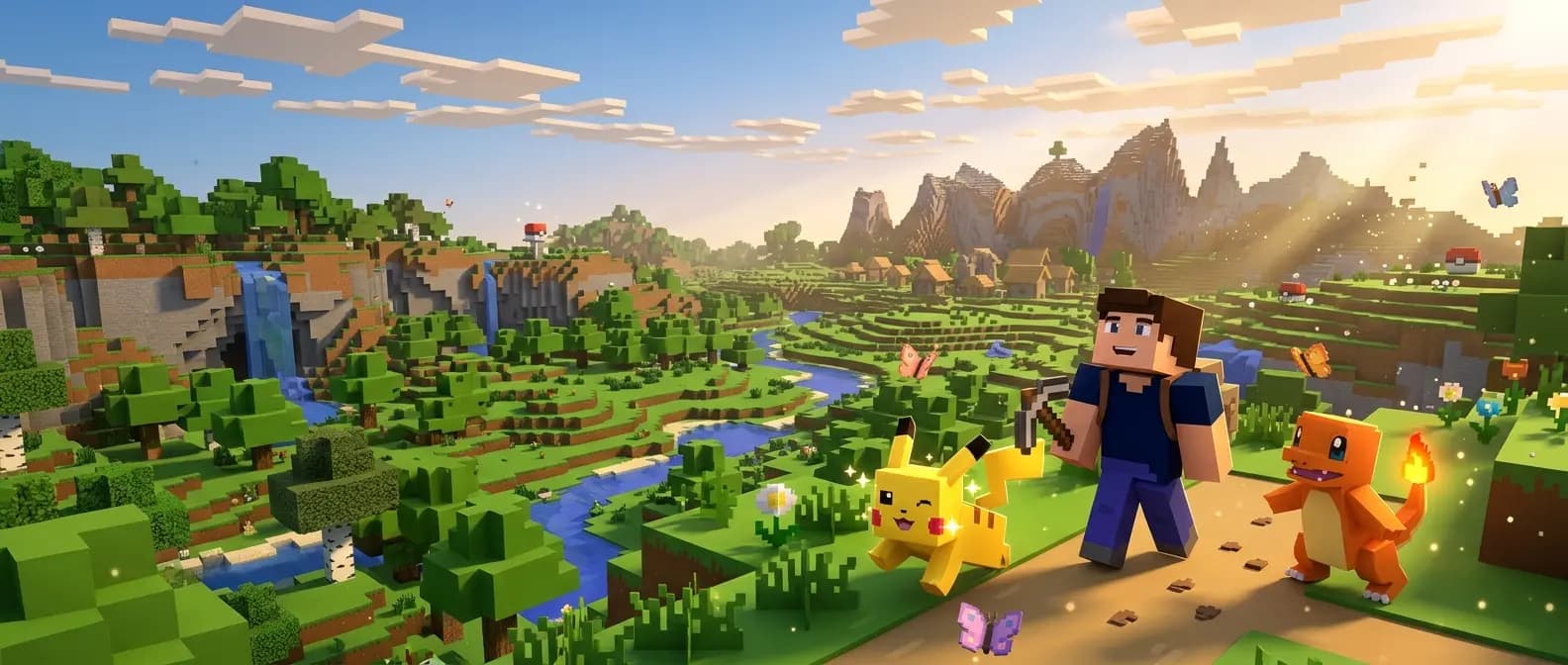
The Cobblemon Pasture Block lets you take up to 16 Pokémon out of your PC and let them roam around the block, up to 32 blocks out in every direction. It does not breed them: base Cobblemon still has no eggs, so a pasture only produces eggs when a breeding sidemod such as Cobbreeding is installed. To use one, craft it from planks, a PC, a hopper and wheat, place it, right-click it and click the Pokémon in your PC boxes that you want to let out.
Everything below applies to Cobblemon 1.8.2, released on 11 October 2026 for Minecraft 1.21.1 on Fabric and NeoForge. Older versions behave differently in a few places, and those are listed further down.
What the Pasture Block does
The Cobblemon wiki describes it as a utility block that moves Pokémon from your PC into the area around it. Once out, they act much like a Pokémon you threw out of its ball, so you can walk up to them and interact with them. Since Cobblemon 1.7.0 they can also fall asleep, may come over to you when they see you, and can be set to fight hostile mobs (changelog).
| Question | Answer in 1.8.2 | Source |
|---|---|---|
| How many Pokémon? | 16 per block by default, shared by everyone who uses it | Config |
| How far do they roam? | Up to 32 blocks from the block in every direction | Config source |
| How big is it? | Two blocks tall, so it needs a free block above | Block source |
| Which tool breaks it? | Axe | Wiki |
| What if it breaks? | Every Pokémon in it is recalled to its owner's PC | Wiki |
| Water Pokémon? | The block can be waterlogged, so you can let them out underwater | Wiki |
| Can you ride them? | No, riding is blocked while a Pokémon is pastured | Entity source |
| Does it make eggs? | No, not without a breeding sidemod | Advancements |
Pasture Block recipe
The recipe is shaped, so the pattern matters. This is the layout from the 1.8.2 recipe file, and the wiki shows the same:
| Row | Left | Middle | Right |
|---|---|---|---|
| Top | Planks | Planks | Planks |
| Middle | Planks | PC | Planks |
| Bottom | Wheat | Hopper | Wheat |
Any type of planks works, and you can mix wood types. The PC in the centre is the normal Cobblemon storage block, made from four iron ingots, two copper ingots, a glass block and two smooth stone (PC page). The hopper adds five more iron ingots and a chest, so a Pasture Block from scratch costs nine iron ingots in total.
How to use the Pasture Block
- Place it somewhere with room. It is two blocks tall, and pastured Pokémon appear a few blocks out on the side you were facing when you placed it, so keep that side open and flat.
- Right-click the block. It opens your PC boxes in a pasture view. Your party is not shown there, so move any party Pokémon you want to pasture into a box first.
- Click a Pokémon in your boxes. It appears beside the block and starts to wander.
- Use the sword button next to a pastured Pokémon in the list to switch whether it attacks hostile mobs.
- To bring them back, press the recall button next to one Pokémon, or Recall All at the bottom of the list.
While they are out, pastured Pokémon keep their slot in your PC and are marked there with a pasture icon. The steps follow the wiki and the 1.8.2 pasture screen code.
When a Pokémon will not come out
These checks are all in the 1.8.2 pasture block code:
- It has fainted. Fainted Pokémon cannot be pastured, so heal them first.
- It is already in another pasture. A Pokémon can only be in one at a time.
- The block is full. The 16 slots count everyone's Pokémon, not just yours.
- There is nowhere to stand. If the side the block faces is walled in or has no floor, Cobblemon cannot find a spot for the Pokémon.
- You get the message "There are too many Pokémon nearby." The block checks how crowded the area is before it lets more out. The server settings section below explains the limit.
Sharing a pasture with other players
On a server, anyone can open a Pasture Block and put their own Pokémon in it. Since 1.7.0, Pokémon that belong to someone else get a darker slot and an italic name in the list, and hovering shows the owner's name (changelog). In the 1.8.2 code one player may fill all 16 slots.
The recall buttons only ever touch your own Pokémon (recall code). Breaking the block is different: it recalls every Pokémon in it, no matter whose they are. Base Cobblemon has no setting to protect a pasture, so on a public server use a land claim mod if that matters to you.
How far pastured Pokémon wander
The roaming area is a box around the block that reaches pastureMaxWanderDistance blocks out in every direction, up and down included (pasture block code). Cobblemon 1.8.0 lowered the default to 32 blocks (1.8.0 notes). The wiki's Config page still lists 64, which is the value from before 1.8.0.
If a Pokémon ends up outside the box anyway, Cobblemon teleports it back beside the block. If that fails, or the block is gone, the Pokémon is recalled to the PC (entity code).
Two details matter when you update a server:
- The box is saved into the block when you place it. Changing the setting, or updating from 1.7, does not shrink pastures that already exist. Break and replace a block to give it the new size, and tell the owners of the Pokémon in it first, because breaking it recalls them.
- Cobblemon keeps your saved value for this setting when you update. A server that started on 1.7 with default settings still has
"pastureMaxWanderDistance": 64inconfig/cobblemon/main.jsonafter moving to 1.8, so the new default only reaches fresh installs unless you change the file.
What happens when you log off
Your Pokémon stay in the pasture. Cobblemon does not recall pastured Pokémon when their owner leaves, and since 1.5.1 the block can still look up an offline player's PC (changelog).
Whether they move while you are gone is normal Minecraft chunk behaviour:
- If another player is within the server's simulation distance, or the chunk stays loaded anyway (spawn chunks,
/forceloador a chunk loader mod), they keep wandering as usual. - If nobody is near, the chunk unloads. Pastured Pokémon are saved with the chunk (entity code), so they are back in place when someone returns.
- In singleplayer everything stops when you close the world.
Before 1.8.0 there was a bug where pastured Pokémon could despawn and run away. The 1.8.0 notes list it as fixed.
Does the Pasture Block breed Pokémon?
Not in base Cobblemon. None of the 1.8.0, 1.8.1 or 1.8.2 changelogs add breeding (changelog), and the wiki's Advancements page marks the egg collecting and hatching triggers as waiting for breeding to be added. Items like the Destiny Knot and Everstone exist in the mod, but nothing in it makes an egg. Neither the changelog nor the wiki gives a version or date for breeding.
Eggs on servers and in modpacks come from add-ons such as Cobbreeding, a separate sidemod that is not part of Cobblemon. It describes itself as a way to get breeding before Cobblemon has its own. Its Modrinth page says:
- It extends the Pasture Block. You put compatible Pokémon in a pasture, switch breeding on with a button, and an egg may appear later in a nesting area at the bottom of the block.
- Pokémon with different owners can breed in the same pasture.
- An egg only moves towards hatching while it is in a player's inventory.
- By default an egg takes 8,000 to 14,000 ticks, roughly 7 to 12 minutes at a steady 20 TPS, and a pasture holds up to 5 eggs. Modpacks can ship other values.
Cobbreeding has to be installed on the server and on every player's client, and its version has to match your Cobblemon release (version list):
| Cobblemon | Cobbreeding |
|---|---|
| 1.8.2 | 2.4.1, which does not work on older Cobblemon versions |
| 1.8.0 or 1.8.1 | 2.3.0 to 2.4.0 |
| 1.7.x | 2.1.0 to 2.2.2 |
It also needs Architectury API and Cloth Config, plus Fabric API on Fabric or Kotlin for Forge on NeoForge. The authors only publish it on Modrinth and say they will not upload it to CurseForge. Our Cobblemon breeding guide walks through eggs, IVs and shinies with Cobbreeding.
Pasture changes by Cobblemon version
All of these come from the Cobblemon changelog:
| Version | What changed for pastures |
|---|---|
| 1.4.0 (October 2023) | Pasture Block added |
| 1.5.1 (May 2024) | Pastures can look up the PC of an offline owner |
| 1.6.0 (December 2024) | Pokémon no longer appear inside solid blocks when the nearest spot is blocked |
| 1.7.0 (November 2025) | Pastured Pokémon sleep, may come over to you and can fight hostile mobs; other players' Pokémon show their owner's name on hover |
| 1.7.1 (November 2025) | A wind charge hitting the block no longer recalls every Pokémon in it |
| 1.7.2 (January 2026) | Pastured Pokémon no longer lose fullness faster than intended |
| 1.8.0 (September 2026) | Default roaming distance cut from 64 to 32 blocks, better performance, despawning fix |
| 1.8.1 and 1.8.2 | No pasture changes |
Modpacks can lag behind. Cobbleverse 1.7.42, its newest version on 16 October 2026, still ships Cobblemon 1.7.3 with Cobbreeding 2.2.2, and its bundled config sets the roaming distance to 36 blocks. If you are moving your own server from 1.7 to 1.8, our Cobblemon 1.8 server update guide covers the rest of the update.
Pastures on a multiplayer server
Every pastured Pokémon is a full entity with its own AI, just like a wild one. Base Cobblemon caps each block at 16, but it has no limit on how many Pasture Blocks one player can place. If ten players each fill two pastures, that is 320 extra Pokémon in the world, and each group costs server time whenever a player is close enough for those chunks to tick.
These are the four pasture lines in config/cobblemon/main.json, with their 1.8.2 defaults (config source):
"defaultPasturedPokemonLimit": 16,
"pastureBlockUpdateTicks": 40,
"pastureMaxWanderDistance": 32,
"pastureMaxPerChunk": 4.0,
pastureBlockUpdateTicks sets how often a block checks that each of its Pokémon is still in its owner's PC, every 40 ticks or two seconds by default. The other three are the ones that shape the load. Stop the server before you edit the file and start it again afterwards.
Ways to keep pastures in check:
- Lower
defaultPasturedPokemonLimit, for example to 8, so each block holds half as many Pokémon. - Keep
pastureMaxPerChunkat 4 or lower it. When a player adds a Pokémon, the 1.8.2 code counts every Pokémon entity in a column around the block, wild ones and those from other pastures included, and refuses with "There are too many Pokémon nearby." once the count reaches the limit. With the default values that is 64 Pokémon within 16 blocks of the block horizontally (pasture block code). - Keep
pastureMaxWanderDistanceat 32 or lower, so pastured Pokémon stay close to their block. Existing blocks keep the size they were placed with. - Lower
simulation-distanceinserver.propertiesif TPS drops at busy times. Fewer chunks tick around each player, so fewer pastures are active at once. Our Cobblemon server optimization guide suggests 4 to 6. - Do not force-load pasture areas without a reason. A chunk loader or
/forceloadkeeps every Pokémon in those chunks ticking when nobody is online. - For per-player limits you need another mod. Base Cobblemon has no setting for it, but its code has a permission hook that a sidemod can use to decide who may use a pasture and how many Pokémon each player may put in (permission code). If you run Cobbreeding, its
maxNumberOfActivatedPasturePerPlayersetting limits how many pastures each player can have breeding at once, and it is unlimited by default (Cobbreeding).
Change one thing at a time and watch TPS for a few evenings before the next change. Our Cobblemon config settings guide covers the rest of main.json.
Running pastures on a Space-Node server
On our Cobblemon server hosting you edit main.json and server.properties in the panel's file manager or over SFTP. For plain Cobblemon or a light pack with up to 10 players we suggest 8GB (MC Diamond, €7.20 a month on Standard), which leaves room for pastures and berry farms. Between 10 and 25 players, or with sidemods like Mega Showdown, take 12GB (MC Special 1, €10.80), and for a public server past 25 players 16GB (MC Special 3, €14.40). DDoS protection is included in all 9 regions. The server keeps running after you log off, so pastures in loaded chunks carry on, and the rest wait until a player comes back.
FAQ
How many Pokémon can a Pasture Block hold in Cobblemon?
16 by default, shared by everyone who uses that block. Server owners change it with defaultPasturedPokemonLimit in config/cobblemon/main.json.
Can you breed Pokémon with the Pasture Block? Not in base Cobblemon 1.8.2, which has no eggs. With the Cobbreeding sidemod on the server and every client, compatible Pokémon in a pasture with breeding switched on can lay eggs.
How far do pastured Pokémon wander? Up to 32 blocks from the block in every direction since Cobblemon 1.8.0, and 64 before that. A block keeps the size it had when it was placed.
Do pastured Pokémon disappear when I log off? No. They stay linked to the block and your PC. If nobody is near, their chunk unloads and they are saved with it until someone comes back.
Why does my pasture say there are too many Pokémon nearby?
The block counts the Pokémon already around it, wild ones included, and refuses more when the area is crowded. Recall some Pokémon, place the block somewhere quieter, or ask the server owner about pastureMaxPerChunk.
Related guides: Cobblemon breeding guide | Cobblemon 1.8 server update guide | Cobblemon server optimization | Cobblemon config settings