Homestead Modpack Server Hosting
Farm, cook and build together on Minecraft 1.20.1 and Fabric. Every plan here follows the team's own server advice and the 8GB heap in the 2.0 server pack.
Homestead plans, price per month
8GB MC Diamond
The low end of the team's 8 to 12GB
Standard €7.20
Premium €13.99
12GB MC Special 1
Room for the pack's own 8GB heap
Our suggestion
Standard €10.80
Premium €21.99
16GB MC Special 3
Where the team asks for more RAM
Standard €14.40
Premium €27.99
Prices for the Netherlands, Germany and Poland, VAT included. Other regions are in the plan selector below.
- Homestead
- 2.0
- Minecraft
- 1.20.1
- Loader
- Fabric 0.19.5
- Java
- 17
- Server mods
- 306 + 8
Pack details checked on 25 October 2026: 2.0 released 22 October 2026, its server pack 24 October 2026.
Pick the plan you actually need
Choose a region, choose Standard or Premium, then pick RAM. The summary stays visible so price, players, storage, and hardware are easy to compare.
Choose the region
Pick the region closest to most of your players.
Choose the hardware line
Select RAM memory
Order summary
 Netherlands
Selected plan
MC Special 1
- AMD EPYC 7443Shared CPU
- Small group, the pack's 8GB heap
- 12GB DDR4 RAM
- 70GB NVMe
- Pterodactyl panel included
- DDoS Protection Included
The Homestead team asks for at least 8 to 12GB for a server and more for 3 to 5 or more players. These sizes follow that advice and the 8GB heap in its server pack, plus memory for Java itself.
3 server port allocations included. Up to 5 available on request.
Instant setup in your selected region.
CPU matters
Minecraft cares about single-thread speed. In the Netherlands, Germany, Poland and Canada, Premium runs Ryzen 9 9950X. Standard runs the AMD EPYC 7443 in the Netherlands, Germany and Poland and Ryzen 9 3900X-class in Canada. California and Virginia run the 7950X3D on Standard and the 9950X on Premium, Singapore and Australia the 5950X, and India the 3900X-class. The CPU is shared on every plan.
Protection choices
DDoS protection is included on every plan in every region. Premium in Europe and Canada and every USA plan run behind Cloudflare Magic Transit; Standard, Singapore, Australia and India use standard protection. There is no paid add-on.
Panel included
Console, files, backups, schedules, startup flags, and sub-users are ready.
9 regions
Netherlands, Germany, Poland, Canada, USA (California), USA (Virginia), Singapore, India (Mumbai), and Australia. EU, NA, Asia, South Asia, and Oceania covered.
Need something bigger?
Running Velocity, a big modpack, or a server network? Tell us what you are building and we will size it properly.
Sized from the team's advice
How we sized the Homestead plans
The CozyStudios server guide asks for at least 8 to 12GB of RAM and says servers with 3 to 5 or more players need more. The 2.0 server pack starts Java with -Xms6G -Xmx8G in user_jvm_args.txt. Java needs memory on top of the heap for itself, so we keep the heap at about 80 to 85 percent of the plan, as in our guide to exit code 137. That makes 12GB the plan for the pack's own heap, 8GB the smallest that runs it, and 16GB the step up for a bigger group.
Smallest start
MC Diamond, 8GB RAM
Room for a heap of about 6.5GB, a little below the 8GB the server pack asks for, so Java keeps memory for itself. Enough to try the pack or start a world before your group grows.
Standard €7.20, Premium €13.99 a month
Our suggestion
Small group
MC Special 1, 12GB RAM
Fits the heap the server pack asks for (-Xms6G -Xmx8G in user_jvm_args.txt), with memory left for Java itself. The top of the team's 8 to 12GB.
Standard €10.80, Premium €21.99 a month
3 to 5 players or more
MC Special 3, 16GB RAM
The team's server guide says servers with 3 to 5 or more players need more than 8 to 12GB. Raise -Xmx to 13G or 14G.
Standard €14.40, Premium €27.99 a month
Setup
From order to first join
Step 1
Pick 8GB or more and a region
Your server and control panel login arrive by email after payment.
Step 2
Install Fabric, then the server pack
Install Fabric for Minecraft 1.20.1 from the panel; the pack uses loader 0.19.5. Unpack Homestead-2.0-Server.zip, upload the config, defaultconfigs, kubejs, mods, patchouli_books and scripts folders over SFTP and add the eight mods the pack leaves out, or use the panel's modpack installer if Homestead is listed there. Set Java 17, start once, accept the EULA in eula.txt and start again.
Step 3
Match the version, open voice chat
Players install Homestead 2.0 in the CurseForge app, Prism Launcher or the Modrinth app, the same version as the server. For Simple Voice Chat, create a port in the Network tab and set it in config/voicechat/voicechat-server.properties.
Before the first start
The eight mods the server pack leaves out
CurseForge's licensing rules do not let the team put these mods in the server pack. Its start script downloads them from CurseForge on the first start when you run it on a PC. When you install Fabric from the panel, as in step 2, the panel starts the server with its own start command instead of that script, so upload these exact files to the mods folder before the first start, or run the script once on your own PC and upload the mods folder it filled. Do the same after every update, because a new server pack replaces the mods folder.
Balm
balm-fabric-1.20.1-7.3.44.jar
CraftTweaker
CraftTweaker-fabric-1.20.1-14.0.60.jar
Library Ferret
libraryferret-fabric-1.20.1-4.0.0.jar
Sophisticated Backpacks
sophisticatedbackpacks-1.20.1-3.23.4.5.110.jar
Sophisticated Core
sophisticatedcore-1.20.1-1.2.7.15.166.jar
Sophisticated Storage
sophisticatedstorage-1.20.1-1.3.5.11.142.jar
TrashSlot
trashslot-fabric-1.20.1-15.1.5.jar
Wireless Redstone
wirelessredstone-fabric-1.20.1-1.1.2.jar
Version 2.0
A new world or your 1.3.7 world?
Homestead 2.0 came out on 22 October 2026, and its changelog calls it the final content update. It removes several mods, and some of those changes cannot be undone in an existing world.
Start a new 2.0 world if
- Your group is new to Homestead or happy to start over.
- You want 2.0 without the removal warnings below.
- You want the 709 quests in 27 chapters from the beginning.
Bring a 1.3.7 world along if
- You back up the world first, as the changelog asks.
- You empty Storage Drawers and Iron Chests: Restocked, or follow the migration steps in the 2.0 announcement: both mods are gone in 2.0, and so are the items in them.
- You accept that blocks and items from Copper Age Backport, also removed, disappear from the world.
Then replace the config, mods, kubejs, scripts and patchouli_books folders with the 2.0 versions, keep the world folder and add the eight mods above again.
Running the server
Homestead things worth knowing before you start
The server pack asks for an 8GB heap
user_jvm_args.txt holds -Xms6G -Xmx8G, and the pack's start script starts Java with it. If your server does not start through that script, set the heap in the panel's startup flags instead: about -Xmx6500M on 8GB, the pack's -Xmx8G on 12GB and 13G or 14G on 16GB, so Java keeps room for itself.
Voice chat needs its own port
The pack includes Simple Voice Chat, which uses UDP port 24454 by default. Every plan includes 3 port allocations: create one in the Network tab of the panel, set port= in config/voicechat/voicechat-server.properties to that port and restart.
Claims can keep chunks loaded
Open Parties and Claims lets every player claim up to 500 chunks and force-load 10 of them. Force-loaded farms and Create machines keep running when nobody is near, which costs CPU time and memory. The limit is maxPlayerClaimForceloads in the mod's server config.
Chunky and spark are included
Both ship in the server pack. Before your group starts exploring, set a radius with chunky radius in the console and run chunky start, so the server is not busy generating terrain while people play. The pack's Chunky config does not resume a run after a restart, so use chunky continue if the server restarts halfway. spark shows which machine or chunk slows the server down.
Back up before every update
The server pack has no backup mod, and the 2.0 changelog says “Back up your world first”. Take a backup in the panel before every update or mod change. Panel backups are made by hand; automatic off-site backups are an optional add-on at checkout.
Start from the server pack
The client pack carries shaders and other mods that only belong on a player's PC. Build the server from Homestead-2.0-Server.zip plus the eight mods, not from a copy of your own game folder.
Homestead server guides
Voice chat port
Give Simple Voice Chat its own UDP port
Fabric on a server
Installing the Fabric loader step by step
Pregenerate with Chunky
Chunky already ships with the pack
Create on a server
Contraptions, lag and crashes
Heap size and crashes
Why -Xmx must stay below your plan
Modpack RAM guide
Starting sizes for other popular packs
Homestead Hosting FAQ
- The CozyStudios server guide asks for at least 8 to 12GB and says servers with 3 to 5 or more players need more. The 2.0 server pack gives Java an 8GB heap (-Xmx8G in user_jvm_args.txt), and Java needs memory on top of the heap for itself. So we start Homestead at 8GB (MC Diamond) with a heap of about 6.5GB, suggest 12GB (MC Special 1) to run the pack's own heap, and 16GB (MC Special 3) once 3 to 5 or more players are online. The 6 to 10GB on the team's settings page is for the game on each player's PC, not for the server.
- Homestead 2.0 runs on Minecraft 1.20.1 with Fabric Loader 0.19.5. Minecraft 1.20.1 is built for Java 17, and the server pack's start script stops when it finds an older Java. You can pick the Java version in the Startup tab of the panel.
- On the Homestead CurseForge page, open the Files tab, pick 2.0 and look under Additional Files for Homestead-2.0-Server.zip (about 640 MB, uploaded on 24 October 2026). The Server Pack page of the CozyStudios wiki links the same version. It holds the Fabric server launcher, the start scripts, user_jvm_args.txt and the config, defaultconfigs, kubejs, mods, patchouli_books and scripts folders. Use it instead of a copy of your own game folder: the client pack also carries shaders and other mods that only belong on a player's PC.
- CurseForge's licensing rules do not let the team bundle eight required mods: Balm, CraftTweaker, Library Ferret, Sophisticated Backpacks, Sophisticated Core, Sophisticated Storage, TrashSlot and Wireless Redstone. The pack's start script downloads them on the first start when it runs on a PC. On a panel server, upload the eight jars to the mods folder yourself before the first start, or run the script once on your own PC and upload the mods folder it filled. Without them the server does not load the world, and the README warns that it may corrupt save data.
- Yes, with care. Back up the world first, as the 2.0 changelog asks. 2.0 removes Storage Drawers and Iron Chests: Restocked, so move items out of them or follow the migration steps in the 2.0 announcement first, or those items are gone. It also removes Copper Age Backport, whose blocks and items disappear from the world. Then replace the config, mods, kubejs, scripts and patchouli_books folders with the ones from the 2.0 server pack, keep the world folder, and add the eight mods the pack leaves out again.
- Yes. Everyone needs the same pack version as the server, so 2.0 on both sides. Players can install it through the CurseForge app, Prism Launcher or the Modrinth app; Homestead has 2.8 million downloads on CurseForge and more than 810,000 on Modrinth (checked 25 October 2026).
- Yes, once it has its own port. Homestead ships Simple Voice Chat, which sends audio over UDP on port 24454 by default. Every plan includes 3 port allocations at no cost: create one in the Network tab of the panel, set port= in config/voicechat/voicechat-server.properties to that port, leave voice_host empty and restart the server.
- No. The shaders come with the client pack and run on each player's PC; the server pack carries none. A player with a slow PC can turn them off in the video settings without changing anything on the server.
- Version 2.0 came out on 22 October 2026, five months after 1.3.7 (18 May 2026), and its changelog calls it the final content update for Homestead. 2.0 is also the first version with a server pack on CurseForge (24 October 2026). Check the Files tab before you set up a server, in case a fix release has come out since we checked on 25 October 2026.
- Yes. Download the world folder from your old host and upload it over SFTP, set level-name in server.properties to its folder name and make sure the server runs the same Homestead version the world was last played on. Or add the One-time Server Migration when you order: it costs €15, charged once, and our team transfers the world for you.
- The one closest to most of your players. We run Homestead servers in the Netherlands, Germany, Poland, Canada, the USA (California and Virginia), Singapore, India and Australia. The plan selector measures your ping to each region live from your browser and suggests the fastest.
- Yes. Our support team answers by live chat, Discord and email, 12/7 from 08:00 to 20:00 UTC, and can check the mods folder, the Java version and the heap with you.
Homestead is made by Tokimi and the CozyStudios team; Space-Node is not affiliated with them. Pack details from the Homestead CurseForge page, its 2.0 server pack and the CozyStudios wiki, checked on 25 October 2026.
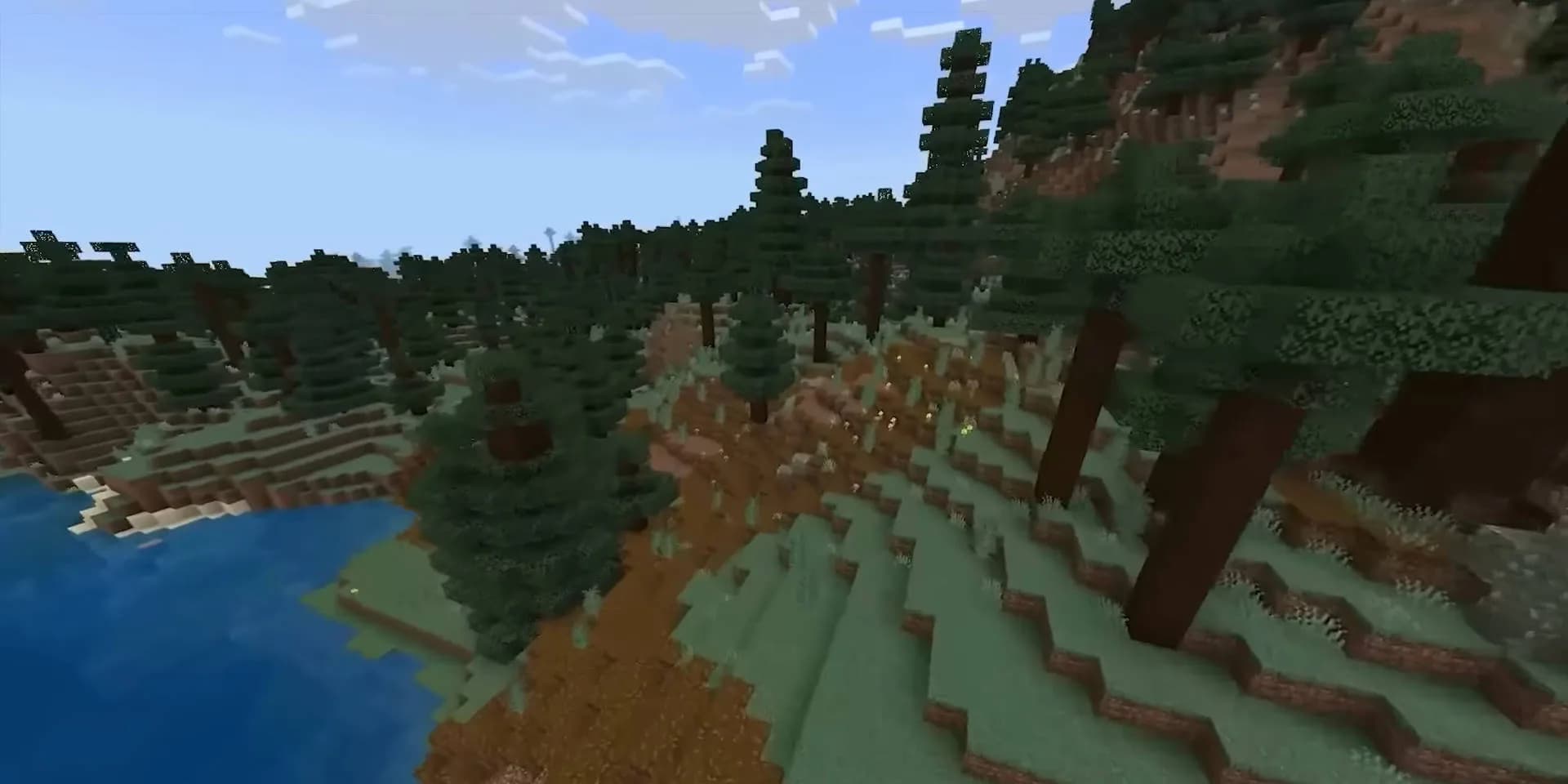
Homestead servers from €7.20 a month
MC Diamond with 8GB to start, MC Special 1 with 12GB for the pack's own 8GB heap, NVMe storage and DDoS protection on every plan, in the region closest to your group.
Choose your Homestead plan