
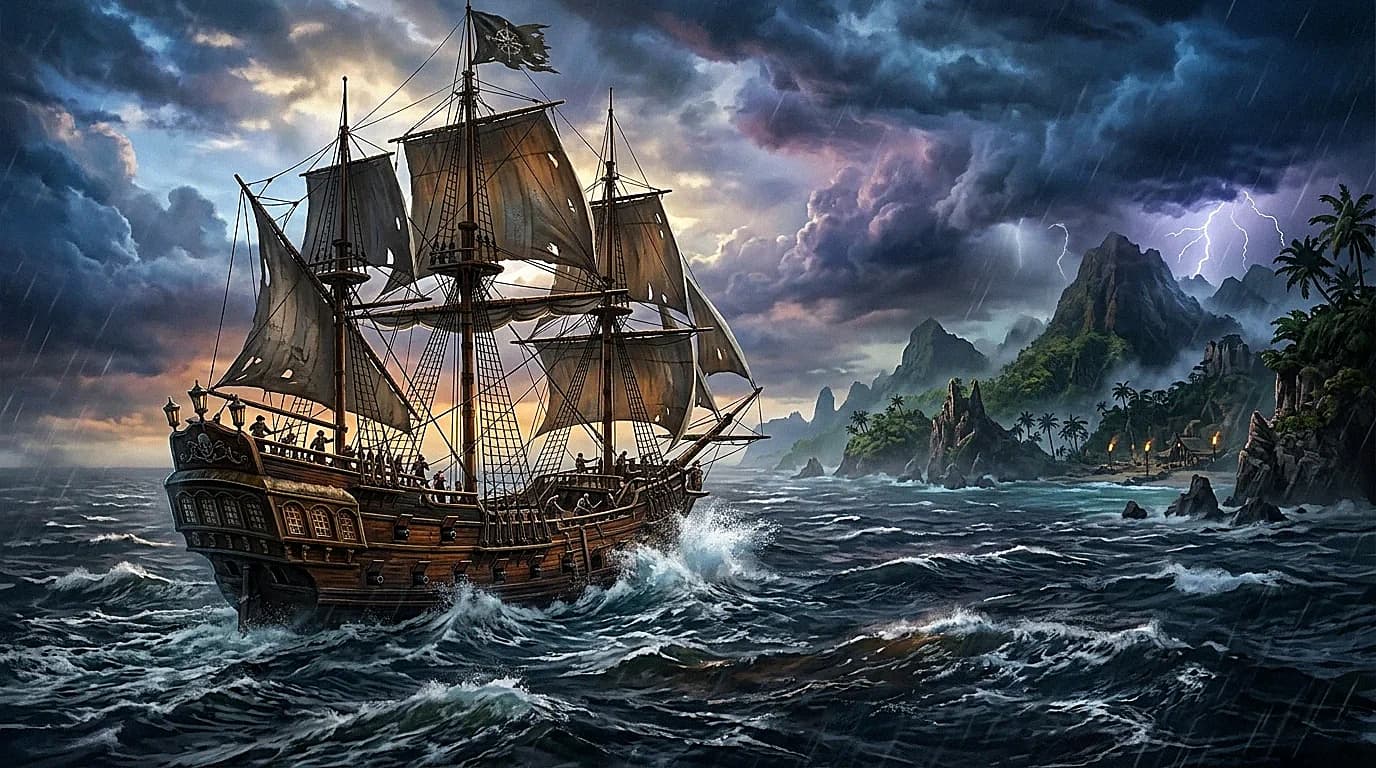
Windrose is one of the more interesting survival games to come out of early access in recent years. The sailing, exploration, and base building loop works well in multiplayer, and a dedicated server makes the experience far more stable than peer-to-peer hosting. If you are thinking about setting one up for your group, here is what you need to know.
What Kind of Game Is This
Windrose is an open-world survival game with heavy emphasis on naval exploration. You build ships, sail between islands, establish outposts, trade, and fight both the environment and other players (on PvP servers). Think Valheim meets Sea of Thieves, built in Unreal Engine.
The multiplayer is where the game shines. A persistent world with multiple crews running separate ships, building competing outposts, and occasionally running into each other on the open sea creates emergent stories that do not happen in singleplayer.
A dedicated server means your world stays online even when you are not playing. Ships keep sailing (if you left them on a course), bases stay built, and friends in different time zones can play on their own schedule.
Server Requirements
Windrose runs on Unreal Engine 5, which has a certain baseline resource appetite. The server binary is Linux-native, though it runs through Wine/Proton on some setups.
| Players | RAM | CPU | Storage |
|---|---|---|---|
| 2-4 | 4 GB | 2 cores, 3.0 GHz | 8 GB |
| 5-10 | 6-8 GB | 4 cores, 3.5 GHz | 12 GB |
| 11-20 | 8-12 GB | 4 cores, 4.0 GHz+ | 15 GB |
| 20+ | 12-16 GB | Fast single-thread | 20 GB |
RAM usage scales with explored area. As players discover more islands and build more structures, the world state grows. A fresh server with 2 players might sit at 3 GB. The same server after a month of exploration could be at 7 GB.
Installation
SteamCMD (Linux)
mkdir -p /home/steam/windrose
steamcmd +force_install_dir /home/steam/windrose \
  +login anonymous \
  +app_update 1850760 validate \
  +quit
The dedicated server uses the same app ID as the game. Make sure you pull the server tool, not the client.
Running the Server
cd /home/steam/windrose
./WindroseServer.sh -port=7777 -queryport=27015
For persistence, wrap it in a systemd service:
[Unit]
Description=Windrose Dedicated Server
After=network.target

[Service]
Type=simple
User=steam
WorkingDirectory=/home/steam/windrose
ExecStart=/home/steam/windrose/WindroseServer.sh -port=7777 -queryport=27015
Restart=on-failure
RestartSec=15

[Install]
WantedBy=multi-user.target
Configuration
The server configuration file is typically at Saved/Config/LinuxServer/ServerSettings.ini (created after the first run).
Essential Settings
[ServerSettings]
ServerName=My Windrose Server
ServerPassword=
AdminPassword=changethis
MaxPlayers=20
PvPEnabled=false
DayLengthMultiplier=1.0
ResourceRespawnRate=1.0
EnemyDifficultyMultiplier=1.0
ServerName: what shows in the server browser. Be descriptive. "Chill PvE EU" tells potential players everything they need to know at a glance.
ServerPassword: leave empty for public, set for private groups. If you are running this for 5 friends, always password protect. Random players joining a small private world disrupts the dynamic.
AdminPassword: required for admin commands. Set something strong and do not share it with players unless you want them to have admin access.
PvPEnabled: the single most important gameplay decision. PvP changes the entire feel of the server. Ships can be attacked, outposts raided, cargo stolen. PvE servers are collaborative. PvP servers are competitive. Choose based on your group.
DayLengthMultiplier: 1.0 is the default day/night cycle. 2.0 makes days twice as long (more building time in daylight). 0.5 makes them half length. Most PvE servers run 1.5 to 2.0 because night sailing with low visibility is challenging for casual groups.
ResourceRespawnRate: how quickly trees, rocks, and other resources regenerate. Higher values (1.5, 2.0) make the game more forgiving. Lower values (0.5) create resource scarcity that drives exploration.
EnemyDifficultyMultiplier: scales enemy health and damage. 0.5 is easy (good for building-focused servers). 1.0 is normal. 2.0 is punishing (experienced groups only).
World Generation
Windrose generates a procedural world based on a seed value. The seed determines island placement, resources, enemy camps, and ocean currents.
[WorldGeneration]
Seed=12345
WorldSize=Medium
IslandDensity=Normal
Seed: any number. Share your seed with other server operators if you find a good one. The community has documented several excellent seeds with good starting island layouts.
WorldSize: Small, Medium, Large. This determines the total ocean area and number of islands. Small works for 2 to 4 players. Medium for 5 to 15. Large for anything bigger. Large worlds take longer to generate on first startup (up to a few minutes).
IslandDensity: affects how clustered or spread out islands are. Dense maps mean less sailing between destinations. Sparse maps mean longer voyages and more open-sea encounters.
Admin Commands
Connect to the server as a player, open the console, and enter the admin password to unlock commands:
/admin changethis
Once authenticated:
| Command | What it does |
|---|---|
/kick PlayerName | Remove a player from the server |
/ban PlayerName | Permanently ban a player |
/unban PlayerName | Remove a ban |
/time set 12:00 | Set the time of day |
/weather clear | Force clear weather |
/weather storm | Force a storm |
/tp PlayerName | Teleport to a player |
/give ItemName Amount | Give items to yourself |
/save | Force a save |
/announce Message | Broadcast a message to all players |
Use admin powers sparingly. If players see admins teleporting and spawning items constantly, trust erodes. The best admin is invisible.
Early Access Considerations
Windrose is still in early access, which means:
Updates can break saves. Major updates occasionally change the world format or game mechanics in ways that are incompatible with previous saves. The developers usually announce this in advance, but back up regularly regardless.
Balance changes are frequent. Ship speeds, resource costs, enemy difficulty, and crafting recipes are actively being tuned. A strategy that works today might not work after the next patch.
Bugs exist. Ship physics can glitch, players can clip through terrain on certain islands, and network desync happens during storms. Report bugs through the Steam community or the developer's Discord.
The player base is growing but not huge. Public servers can have quiet periods. For a reliable experience, private servers with a known group work better than hoping for random players.
These are normal early access realities, not reasons to avoid the game. The core loop is solid, and the development pace has been consistent.
Hosting Your Windrose Server
Three options:
Self-hosted at home: free but limited by your upload speed and the need to keep a machine running 24/7. Port forwarding required, and your home IP is exposed.
VPS: full control, fixed cost, always online. Works well for Windrose since the server is Linux-native. A 4 to 8 GB VPS with decent CPU is enough for most groups.
Managed game hosting: Windrose server hosting from Space-Node handles the setup, updates, and control panel from nine regions across Europe, North America, Asia and Australia. Plans are sized for Windrose's requirements, from small friend groups to larger communities. DDoS protection is included, which matters once your server appears in the public browser.
For most groups starting out, managed hosting is the path of least resistance. You get a working server in minutes instead of spending an afternoon on SteamCMD and config files. As your group grows or your needs get more specific, you can always move to a VPS for more control.
FAQ
How many players can a Windrose server handle? Officially up to 32 in the current early access state. Performance depends on how many structures and ships exist in the world. A world with 32 players and minimal building will run better than one with 10 players who each built massive outposts.
Can I transfer a singleplayer save to a dedicated server? Yes. Copy your save folder from the game's local save directory to the server's Saved folder. The format is compatible.
Do I need port forwarding? If hosting at home, yes. On a VPS or managed hosting, ports are already accessible. You need the game port (default 7777/UDP) and query port (default 27015/UDP).
How often should I restart the server? Once every 24 hours is a reasonable schedule. Unreal Engine games can develop memory leaks over long uptime periods. A daily restart keeps things clean.
Related guides: for detailed config options and admin commands, see Windrose server settings and admin commands. For general server hardening, read the game server security guide.
Is crossplay supported? As of mid-2026, Windrose is Steam-only. Xbox and console versions have not been announced. All players need the game on Steam.