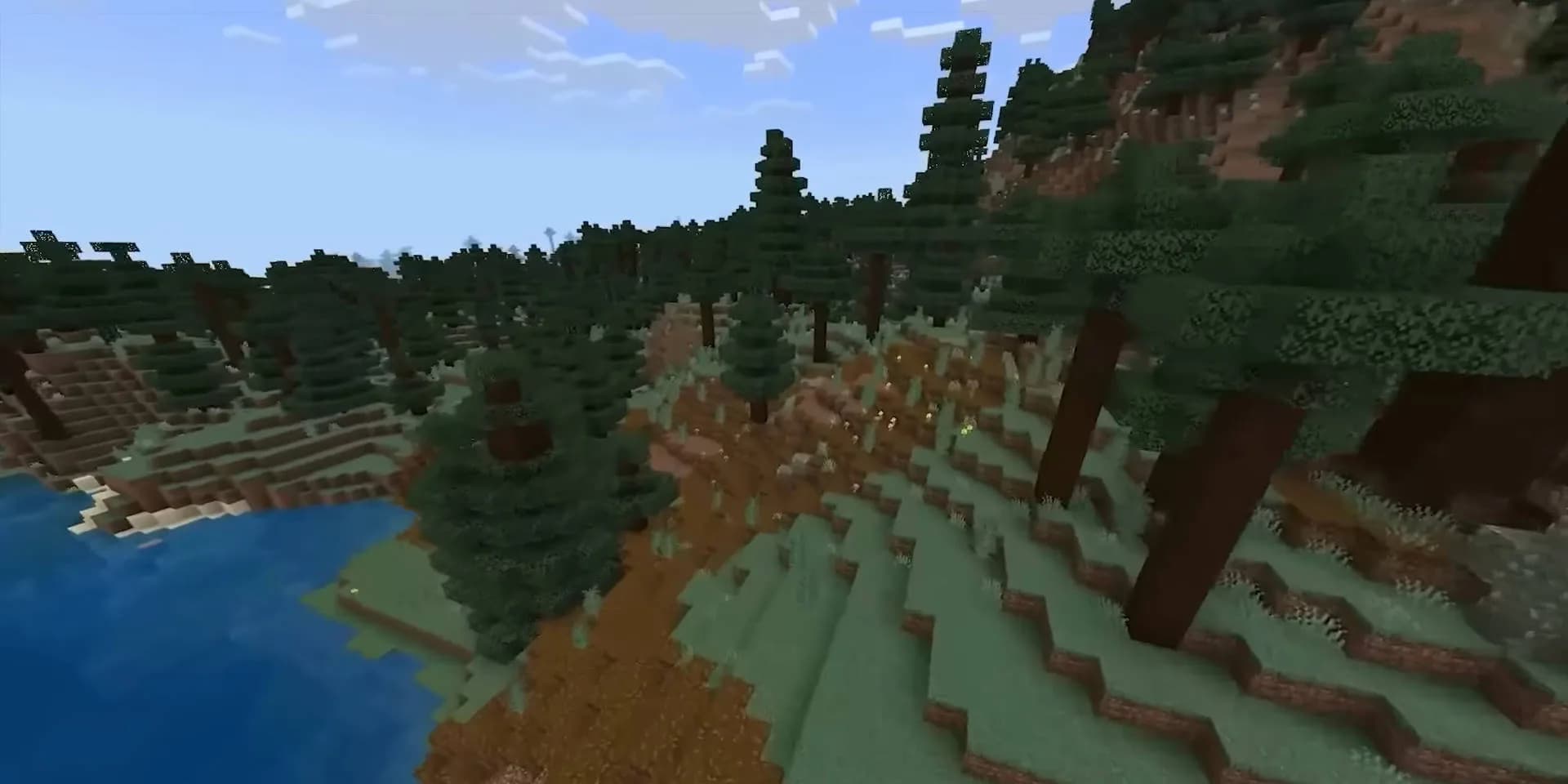
The most successful Minecraft servers are not the ones with the most features. They are the ones with the best calendar - a deliberate sequence of events that gives players something to return for every season. The winter event is the most emotionally charged, and done right, it defines community loyalty for the entire following year.
The Design Framework for Seasonal Events
Effective seasonal events share three elements:
- Scarcity - Limited-time content that cannot be obtained outside the event window
- Collective goal - Something the community works toward together
- Memorable narrative - A story layer that goes beyond "collect 10 snowballs for a reward"
Winter Event Ideas That Actually Work
The Frost Dungeon
Spawn a procedurally placed "Frost Dungeon" - a custom structure you build in creative mode and import with WorldEdit - accessible only during the event period. Inside: progressively harder waves using custom mobs (snowballs-throwing Blizzard Golems, Ice Spiders) created with MythicMobs. Final boss drops an event-only cosmetic that cannot be crafted later.
This creates genuine urgency - players know they must complete it before January 5th or wait a year.
Community Snowflake Collection
Every player earns "Snowflakes" by playing (Snowflakes drop from mobs during winter event period). The server tracks the collective total on a scoreboard:
- 1 million Snowflakes - Unlock fireworks display at spawn
- 5 million - Unlock free rank upgrade for all active players
- 10 million - Unlock a hidden winter dimension for two weeks
This collective goal creates social accountability and keeps players logging in even when they have no personal objective.
The 24-Day Advent Calendar
24 containers at spawn, each numbered, each sealed until its date. Every December day, one opens: rare enchantment books, cosmetic items, special kits, experience bonuses. Players check in daily to see what opened.
This single feature, requiring perhaps four hours of setup, guarantees 24 consecutive days of check-ins from your most engaged players.
Technical Setup
MythicMobs - Custom boss creation for event mobs
WorldEdit - Import the dungeon structure
ItemsAdder - Custom items with event-specific textures
PlaceholderAPI - Drive the collective snowflake scoreboard display
DeluxeMenus - Build the advent calendar GUI
Running Event Content on a Separate World
Create a separate event world for dungeon content. This isolates event performance overhead (custom mobs, particle effects, frequent player teleportation) from your main survival world. When the event ends, simply delete the event world.
Space-Node's plan structure makes running a second world trivial - multiple worlds are supported on all plans, and the NVMe storage means world switching is near-instant.
The Post-Event Summary
After the event, post a community summary in Discord: final snowflake totals, who completed the dungeon first, how many players participated. Turn the statistics into a community celebration. Players who participated feel seen; players who didn't are primed to engage with the next seasonal event.
Host your seasonal events on Space-Node Minecraft
Quick 2026 Answer
Winter Survival Guide: Creating a Seasonal Event Server for Your Community should start with a small working server before adding mods, plugins or public players. Game servers fail most often when owners skip the test phase. Install, join, restart, back up, then invite players.
Server Setup Checklist
- Confirm the game version and server build.
- Open only the ports the game needs.
- Start with default settings first.
- Make one backup before changing configs.
- Test with a small group before posting the server publicly.
- Write down the admin commands and save location.
Common Mistakes
Many new owners copy settings from a large public server even though their own server has different hardware and player count. Start simple. Raise limits only after the server is stable.
Also watch memory, CPU and disk together. One number rarely tells the whole story. A server can have enough RAM and still lag if world saving or CPU spikes are the real issue.
Where to Go Next
For hosting and sizing, use VPS hosting, game server hosting comparison, Minecraft server requirements. Good supporting visuals are the server console after a clean start, a backup folder and a small diagram of players connecting to the VPS.
Real Test Routine
The practical test for Winter Survival Guide: Creating a Seasonal Event Server for Your Community is whether a new player can join, play and return after a restart. Many game server guides stop at installation, but the real work is stability. A server that starts once is not the same as a server that survives updates and real users.
Run one clean install, join the server, restart it and join again. Then change one setting, restart and check logs. If the game supports saves, verify that world data or player data persisted. If the game supports mods, add only one group at a time and keep a backup before each change.
Most launch problems come from wrong ports, wrong versions, missing dependencies or configs copied from another server. Work through them slowly and write down the fix. That note will save time next update.
When Hosting Is the Limit
Hosting is probably the limit when the game is configured cleanly but players still see lag, disconnects or slow saves under normal load. Choose a VPS or game host with enough CPU, storage and network quality for the player count you actually have.
Screenshot or Generated Image Target
A useful supporting image for this page should show the actual setting, console, panel or workflow being discussed. Avoid a generic stock image if possible. A simple generated diagram is fine when it explains the flow better than a screenshot.
- Capture the main settings screen or config file.
- Add one close crop of the important value.
- Add one result screenshot after the fix or setup is working.
- Keep private IPs, tokens, emails and customer names hidden.