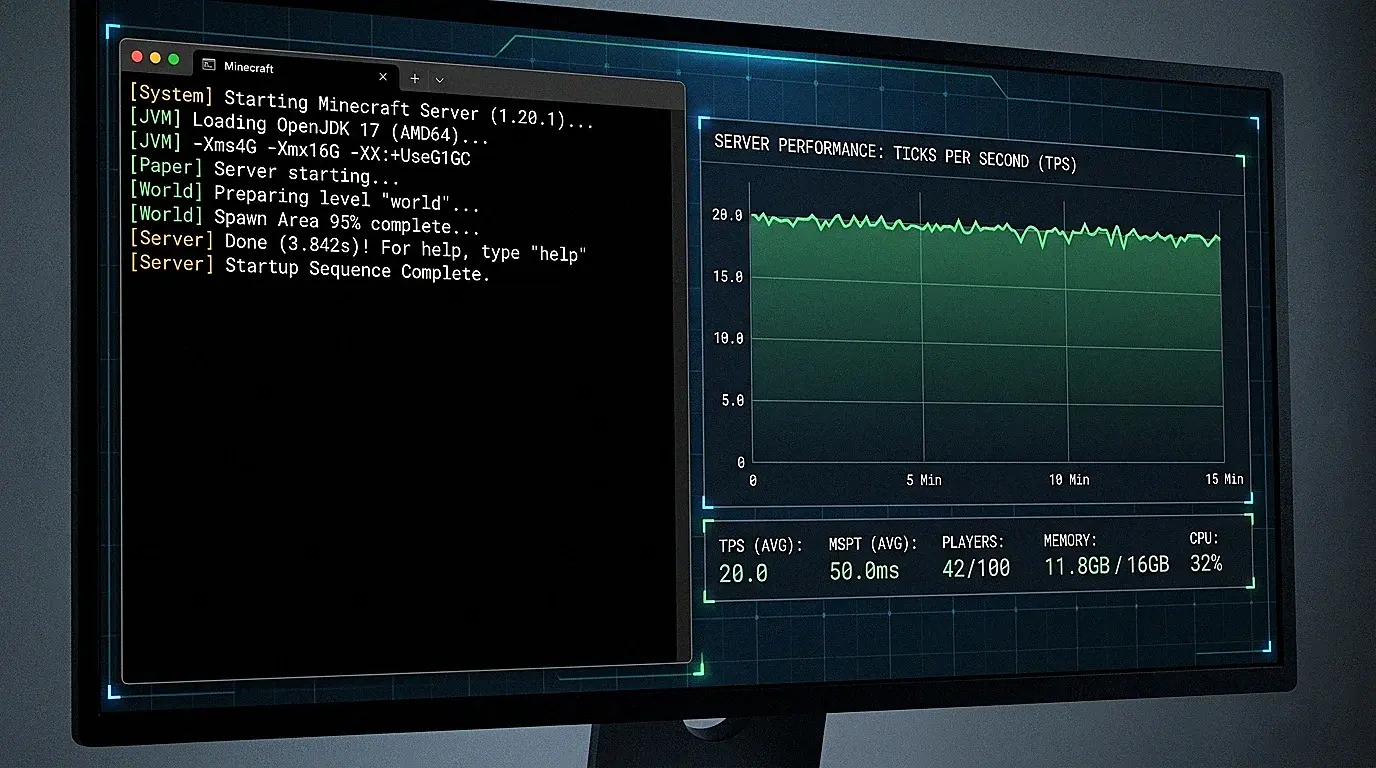
Aikar's flags are JVM (Java Virtual Machine) startup arguments specifically tuned for Minecraft server performance. They optimize garbage collection, memory allocation, and thread handling. If you run a Minecraft server, you should use them.
Why JVM Flags Matter
Minecraft runs on Java. The JVM manages memory through garbage collection (GC). Default Java settings are designed for generic applications. Minecraft has specific patterns: lots of short-lived objects, periodic chunk loading, and constant entity updates.
Bad GC settings cause lag spikes. The server freezes for 50 to 200ms while Java cleans up memory. Aikar's flags minimize these pauses.
The Flags
Here are Aikar's recommended flags for a server with 10 GB of RAM:
java -Xms10G -Xmx10G -XX:+UseG1GC -XX:+ParallelRefProcEnabled -XX:MaxGCPauseMillis=200 -XX:+UnlockExperimentalVMOptions -XX:+DisableExplicitGC -XX:+AlwaysPreTouch -XX:G1NewSizePercent=30 -XX:G1MaxNewSizePercent=40 -XX:G1HeapRegionSize=8M -XX:G1ReservePercent=20 -XX:G1HeapWastePercent=5 -XX:G1MixedGCCountTarget=4 -XX:InitiatingHeapOccupancyPercent=15 -XX:G1MixedGCLiveThresholdPercent=90 -XX:G1RSetUpdatingPauseTimePercent=5 -XX:SurvivorRatio=32 -XX:+PerfDisableSharedMem -XX:MaxTenuringThreshold=1 -jar server.jar --nogui
Replace 10G with your actual RAM allocation.
What Each Flag Does
Memory Allocation
-Xms10G -Xmx10G: Sets minimum and maximum heap size to the same value. This prevents the JVM from constantly resizing memory. Always set Xms equal to Xmx for Minecraft servers.
Garbage Collector
-XX:+UseG1GC: Uses the G1 (Garbage First) garbage collector. Best for Minecraft because it handles large heaps with short pause times.-XX:MaxGCPauseMillis=200: Tells G1 to target pause times under 200ms. The GC adjusts its behavior to meet this goal.-XX:+ParallelRefProcEnabled: Processes reference objects in parallel. Reduces GC pause time.-XX:+DisableExplicitGC: Prevents code from calling System.gc() which causes unnecessary full GC pauses.
Memory Regions
-XX:G1NewSizePercent=30: Allocates 30% of heap for new (young) objects. Minecraft creates many short-lived objects.-XX:G1MaxNewSizePercent=40: Caps young generation at 40%. Prevents it from growing too large.-XX:G1HeapRegionSize=8M: Sets each G1 region to 8MB. Good balance for Minecraft's allocation patterns.-XX:G1ReservePercent=20: Reserves 20% of heap as a buffer. Prevents out-of-memory during GC.
Object Lifecycle
-XX:MaxTenuringThreshold=1: Objects that survive one GC cycle move to old generation immediately. Minecraft objects are either very short-lived or permanent. This reduces work copying objects between generations.-XX:SurvivorRatio=32: Makes survivor spaces smaller. Matches Minecraft's allocation pattern where objects rarely survive GC.
Performance
-XX:+AlwaysPreTouch: Pre-allocates all memory pages at startup. Prevents latency from page faults during gameplay.-XX:+PerfDisableSharedMem: Disables performance counter shared memory. Prevents a source of GC pauses on Linux.
How Much RAM?
| Server Type | Recommended RAM |
|---|---|
| Vanilla (1 to 10 players) | 2 to 4 GB |
| Paper/Purpur (10 to 30 players) | 4 to 8 GB |
| Light modpack | 4 to 6 GB |
| Medium modpack | 6 to 10 GB |
| Heavy modpack (ATM10) | 10 to 16 GB |
Set Xms and Xmx to the same value. Do not over-allocate. More RAM than needed causes longer GC pauses.
Flags for Under 12GB vs Over 12GB
Aikar has two versions. For servers with more than 12 GB of RAM, increase the region sizes:
Replace these values:
-XX:G1NewSizePercent=40
-XX:G1MaxNewSizePercent=50
-XX:G1HeapRegionSize=16M
-XX:G1ReservePercent=15
-XX:InitiatingHeapOccupancyPercent=20
This accounts for the larger heap and prevents G1 from over-collecting.
GraalVM Alternative
GraalVM is an alternative Java runtime that some server owners use. It has a different garbage collector (ZGC or Shenandoah can be used) and a JIT compiler that produces faster code in some cases.
For most servers, standard Java 21 with Aikar's flags performs well. GraalVM gives marginal improvements that matter most on very large servers.
How to Apply on Hosted Servers
Most hosting panels have a "Startup Parameters" or "JVM Arguments" field. Paste the flags there, and set -Xmx a GB or two below the plan's RAM so Java has room for itself.
On Space-Node that field is in the Startup tab on every plan. For a Paper server with 10 to 30 players, the table above points to 4 to 8GB. On our performance hosting page 8GB is €13.99 a month on Premium, on Ryzen 9 9950X nodes in the Netherlands, Germany, Poland and Canada, or €7.20 on Standard (MC Diamond).
If you run a server via command line, create a start.sh script:
#!/bin/bash
java -Xms10G -Xmx10G -XX:+UseG1GC [rest of flags] -jar server.jar --nogui
The Bottom Line
Aikar's flags are not optional for serious Minecraft servers. They are the baseline. Apply them on any server you run, and you will see fewer lag spikes and more consistent TPS.
Related guides: ZGC vs G1GC: which garbage collector should you use? | Best Minecraft mods in 2026
Run your server on hardware that matches the optimization. View Minecraft Hosting Plans
Worth knowing which crashes flags cannot touch: exit code -1073740791 is a native crash outside the JVM.